Creating high-quality videos no longer requires a studio, complex software, or a large budget. In 2026, AI video creation tools allow anyone—from solo creators to enterprise teams—to produce cinematic, engaging videos with minimal effort. Whether your goal is social media growth, brand marketing, storytelling, or professional production, the right AI tool can dramatically accelerate your workflow.
Generative AI adoption in content creation jumped from 33% in 2023 to 71% in 2024, proving how essential AI-powered platforms have become. Below are the top 5 AI video creation tools in 2026, followed by trends, comparisons, and guidance to help you choose the right one.
Top 5 AI Video Creation Tools in 2026
1. KlingAI – Cinematic Control & Advanced Motion
Best for: High-end creators, influencers, social media managers
Max Resolution: 1080p
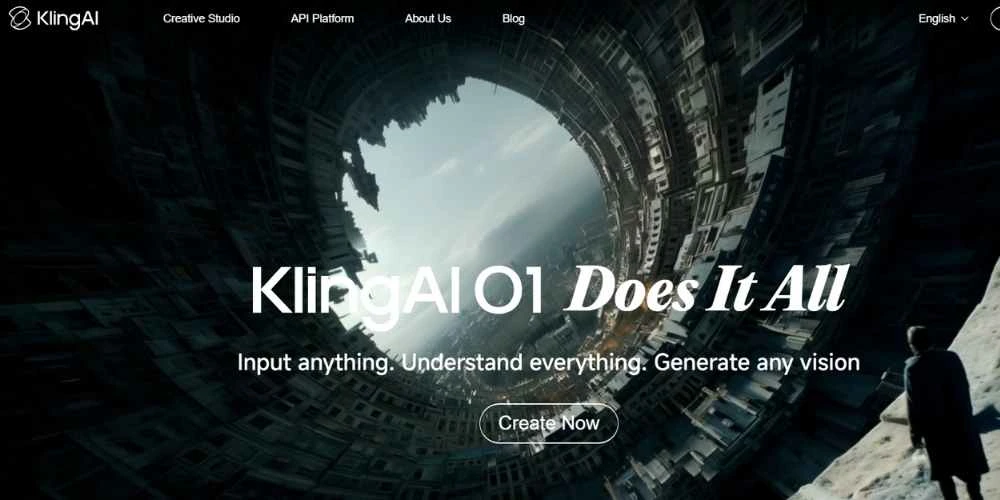
KlingAI is designed for creators who want cinematic-quality videos with precise control. You can generate videos from text or images, edit existing footage, and apply advanced 3D motion, lighting, and lip-sync. Its standout feature is the Motion Brush, which allows you to control gestures, facial expressions, and camera movement intuitively.
Key Features:
- Automated storyboard generation from scripts
- Consistent characters across multiple videos
- Virtual try-on for e-commerce and product showcases
What truly sets KlingAI apart is its focus on prompt engineering and optimization, enabling creators to test variations, improve performance, and monetize content more effectively.
Pros
- Cinematic visuals with advanced motion control
- Strong character consistency
- Fast production with storyboards
Cons
- Advanced features require prompt-engineering skills
Pricing
- Free: 66 credits/day
- Standard: $10/month
- Pro: $37/month
- Premier: $92/month
2. KaraVideo.ai – Multi-Engine Simplicity & Creative Flexibility
Best for: Beginners, marketers, anime-style creators
Max Resolution: 1080p
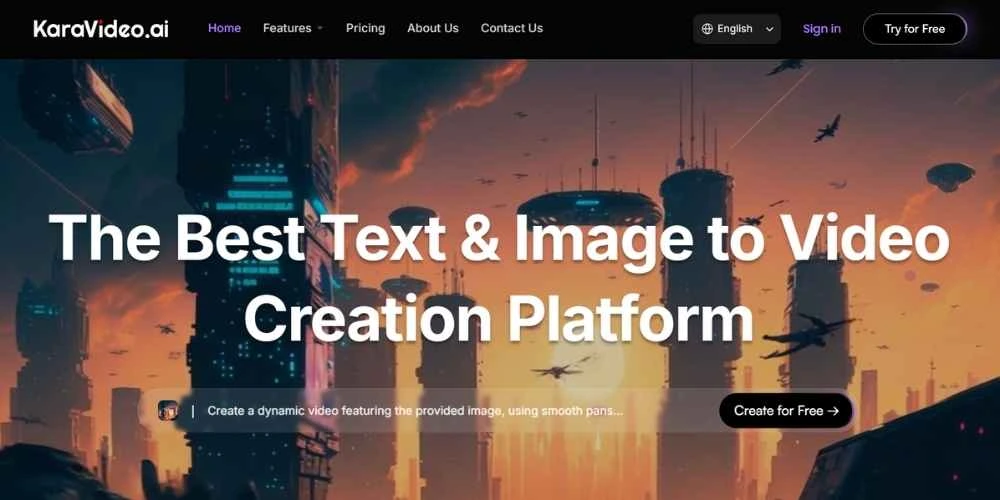
KaraVideo.ai focuses on ease of use and flexibility. It allows creators to generate videos from text, images, or existing clips without technical complexity. A major advantage is multi-engine access, meaning users can work with multiple AI models under one platform.
Key Features:
- Text-to-video and image-to-video generation
- Character consistency across scenes
- Anime-inspired and cinematic effects
- Free access for entry-level users
KaraVideo balances power and accessibility, making it ideal for creators who want high-quality results without advanced editing knowledge.
Pros
- Beginner-friendly
- Multiple AI engines in one platform
- Free plan available
Cons
- Some advanced options require practice
Pricing
- Free: $0
- Pro: $29/month
- Studio: $99/month
3. Huixiang by Baidu – Studio-Grade Production & Team Collaboration
Best for: Teams, advertisers, educators, studios
Max Resolution: 4K
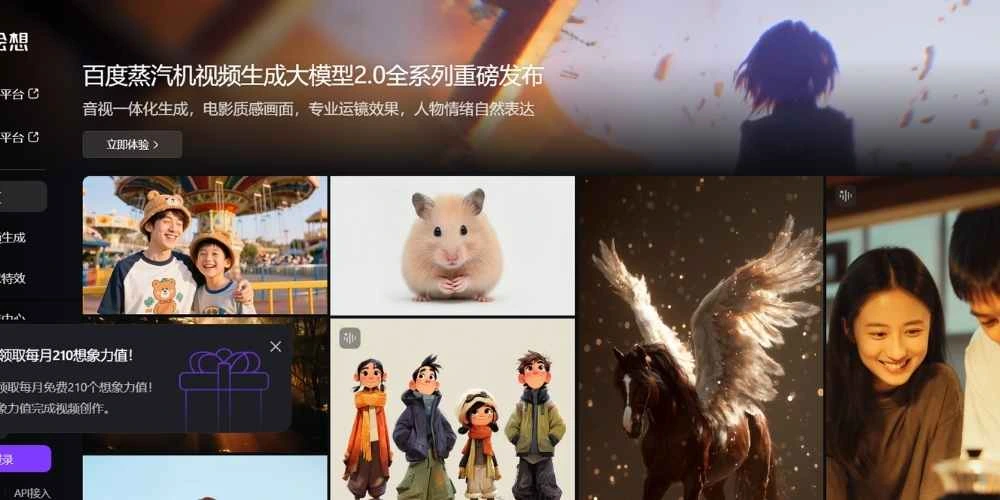
Huixiang by Baidu delivers Hollywood-level video synthesis with exceptional speed and quality. It excels in turning static images into dynamic videos and supports real-time team collaboration, making it ideal for enterprise workflows.
Key Features:
- Image-to-video generation (up to 30 seconds)
- Integrated audio, sound effects, and voice-over
- Multiple AI model modes (Turbo, Lite, Pro)
- Real-time collaborative dashboards
- 4K export and API access
Huixiang bridges the gap between solo creators and professional studios by offering cinematic realism without massive production costs.
Pros
- Cinema-quality visuals
- Fast rendering speeds
- Excellent for team-based projects
Cons
- Advanced tools require onboarding
Pricing
- Free: Basic features
- Pro: $25/month
- Studio: $89/month
4. Runway – Speed, Creativity & Accessibility
Best for: Social media creators, marketers, designers
Max Resolution: 1080p (4K on paid plans)
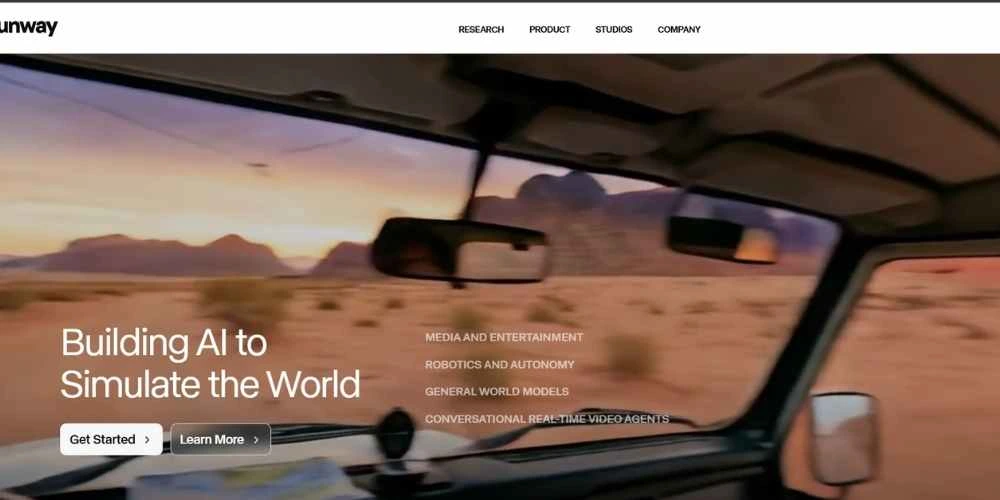
Runway is known for its fast, intuitive workflow and creative AI effects. It allows users to generate videos from text or images and refine motion using its popular motion brush technology.
Key Features:
- User-friendly interface
- Multi-modal generation
- Strong creator community and tutorials
- Cloud-based (no downloads required)
Runway is particularly effective for short-form content, ads, and visual experiments.
Pros
- Very easy to use
- Fast video generation
- Strong learning resources
Cons
- Limited for long or complex projects
- Free plan has credit limits
Pricing
- Free: 125 credits
- Creator: $15/month
- Pro: $45/month
5. DomoAI – Animation, Style Transfer & Storytelling
Best for: Social media creators, educators, influencers
Max Resolution: 1080p
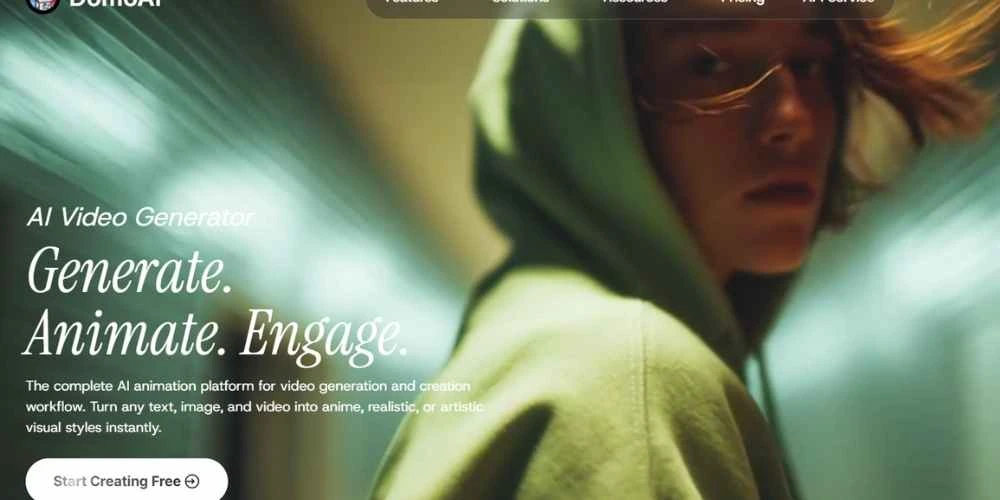
DomoAI specializes in animation and transformation. You can animate static images, restyle existing videos, or generate entirely new videos from text. It also supports character and avatar animation, making it strong for storytelling and education.
Key Features:
- Image-to-video animation
- Video-to-video style transfer
- Text-to-video generation
- Avatar and character action control
DomoAI’s flexible credit system and API access make it scalable for individuals and businesses alike.
Pros
- Strong creative flexibility
- Easy style transformations
- Credits never expire
Cons
- Advanced features consume more credits
Pricing
- Subscription-based monthly credits
- Enterprise API: $0.02 per credit
AI Video Trends in 2026
1. Multimodal Generation
Creators can now combine text, images, audio, and video in one workflow. This allows richer storytelling, automatic dialogue generation, and high-resolution outputs without traditional filming.
2. Real-Time Collaboration
Platforms like Huixiang enable teams to co-edit, review, and finalize videos simultaneously. This dramatically shortens production cycles for agencies and enterprises.
3. Cinematic Realism
AI-generated videos now feature realistic lighting, smooth camera movement, and 4K/HDR exports. Solo creators can compete visually with professional studios at a fraction of the cost.
Feature Comparison Overview
| Tool | Key Strength | Best Use Case |
| KlingAI | Cinematic motion & control | Influencers, high-end creators |
| KaraVideo.ai | Multi-engine simplicity | Beginners, marketers |
| Huixiang | 4K + collaboration | Teams, studios |
| Runway | Speed & creativity | Social media, ads |
| DomoAI | Animation & style | Storytelling, education |
Pricing Snapshot
| Tool | Free Trial | Starting Price | Max Resolution |
| KlingAI | Yes | $10/month | 1080p |
| KaraVideo.ai | Yes | $29/month | 1080p |
| Huixiang | Yes | $25/month | 4K |
| Runway | Yes | $12/month | 1080p |
| DomoAI | Yes | $9.99/month | 1080p |
How to Choose the Right AI Video Tool
Step 1: Assess Your Needs
Ask yourself:
- Social media, marketing, or cinematic production?
- Solo creator or team collaboration?
- Budget and output resolution requirements?
Step 2: Match Features to Goals
- Cinematic quality: KlingAI, Huixiang
- Ease of use: KaraVideo.ai, Runway
- Animation & style: DomoAI
Always start with a free trial before committing.
Key Takeaways
- KlingAI excels in cinematic realism and motion control
- KaraVideo.ai offers multi-engine access and beginner-friendly workflows
- Huixiang by Baidu delivers 4K output and real-time collaboration
- Runway focuses on speed, creativity, and accessibility
- DomoAI specializes in animation and video transformation
The best AI video creation tools in 2026 empower you to create faster, cheaper, and better than ever before.
FAQ
What’s the best AI video tool for beginners?
KaraVideo.ai and Runway are the most beginner-friendly with free plans.
Can I use these tools for business marketing?
Yes. KlingAI, Huixiang, and DomoAI are particularly strong for ads and brand content.
Do these tools support teamwork?
Huixiang and Runway offer real-time collaboration features.
Will my videos have watermarks?
Most free plans include watermarks. Paid plans remove them.