
Blogging has become the best source of earning for people. There are unlimited tools available to find and fix mistakes. Some are highly helpful in making your blog successful. If you want to know the blogging tools that improve your content quality, then you have landed at the right place.
Here we will discuss some leading tools that will take your website to the next level.
How To Improve The Quality of Your content
There is no doubt that improving and creating high-quality content is very important because it enables the readers to read and get the information from your content more easily, as well as helps the search engines to identify and rank your content higher in the Google SERPs.
Here are a few tips to help you improve your content quality.
1. Write high-quality content
A blog’s success relies on quality content. It’s a no-brainer, but it bears repeating: there can be no blog without quality content. Well-written content not only engages readers and encourages them to return, but it also helps your blog rank higher in search engine results pages (SERPs), which can boost traffic.
Here are a few key things to remember when writing blog posts:
- Write for your audience first: Ask yourself who your target reader is and what they want to read about.
- Keep it interesting: No one wants to read a boring, dry blog post. Write in an engaging, lively style.
- Be original: Don’t regurgitate what others have already said; offer your unique perspective.
- Write well: This means using proper grammar, spelling, and punctuation.
2. Use strong headlines
The headline is often what determines whether or not a reader will click through to your blog post. A strong headline should be attention-grabbing and relevant to the content of your post.
Here are a few tips for writing headlines that will get clicks:
- Use numbers: Lists, how-tos, and other posts that offer concrete information are more likely to be clicked on than those without numbers in the headline.
- Be specific: Vague headlines don’t give readers an idea of what they can expect to find in your post, so they’re less likely to click through.
- Use keywords: Include relevant keywords in your headlines so that your post comes up in search engine results when people are looking for information on that topic.
- Make it interesting: A headline that’s interesting or humorous is more likely to be clicked on than a dull, boring one.
3. Optimize your blog posts for SEO
The best way for readers to find your blog posts is to optimize them for search engines. To do this, you need to include relevant keywords throughout your post (in the headline, the body, and the tags), plus format your post so it is easy to read by search engines.
Here are a few tips for optimizing your blog posts for SEO:
- Use keywords throughout your post: Use relevant keywords in your headline, the body of your post, and the tags.
- Make your headlines SEO-friendly: Use keywords in your headlines and ensure they’re formatted correctly (i.e., not all in caps or all in lowercase).
- Use keyword-rich descriptions: When you share your blog post on social media, make sure to include a keyword-rich description that will help your post get found in search engine results.
- Link to other posts on your site: Internal linking helps search engines understand the relationship between your posts and can also help improve your site’s ranking.
4. Use images and videos
Images and videos can help break up text and make your blog posts more visually appealing. They can also help explain complex concepts and make your posts more engaging.
Here are a few tips for using images and videos in your blog posts:
- Use images that are relevant to your content: Don’t just add images for the sake of it; make sure they add value to your post.
- Use alt text: When you upload an image, be sure to include alt text that describes the image. This is important for both SEO and accessibility.
- Use videos sparingly: Too many videos in a post can make it seem cluttered and can be distracting for readers. Choose one or two high-quality videos that add value to your post.
5. Structure your posts
You can greatly impact the ease of reading and engagement of your blog posts by structuring them in a specific way. It is important to break your content up into smaller paragraphs, add subheadings, and make bullet points to help make your posts easier to read.
Here are a few tips for structuring your blog posts:
- Use short paragraphs: Long paragraphs can be daunting for readers and are more likely to be skipped over. Keep your paragraphs short and to the point.
- Use subheadings: Breaking your content into smaller sections with subheadings makes scanning easier and helps readers find the information they’re looking for.
- Use bullet points: Bullet points are a great way to highlight key information in your posts. They make your content easier to scan and help readers find the most important points.
Blogging Tools To Improve Your Content Quality
There are many different blogging tools available, and they can help you improve the quality of your content.
Here are some of the best blogging tools that you should use:
1. Ubersuggest
If you want your blog to be successful, you should focus on one niche and not mix in other topics or niches. Think about sports; for example, when you are writing about them, try to avoid keywords that do not relate to sports, as it will negatively impact your site’s quality. Being an expert in one niche is better than dabbling in several and yielding unsatisfactory results.
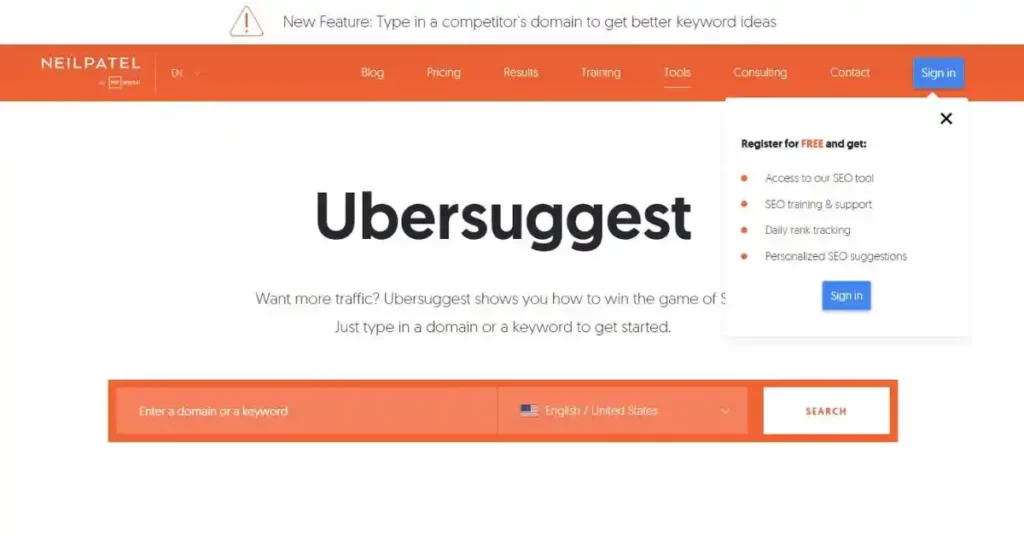
Using Ubersuggest, you can easily find the best content for any keyword. The tool will also show you how many visitors you get every month, how many links you get, and how many times you have shared your content. Ubersuggest prevents distractions and keeps your focus on a single keyword.
2. Hemingway Editor
One of the remarkable features of Hemingway’s editor is that it not only points out or highlights your mistakes but also hones your writing skills simultaneously.
It will highlight mistakes in different colors, suggest words that are best for repetitive adverbs, and make complicated sentences easier to understand.
3. Can I rank?
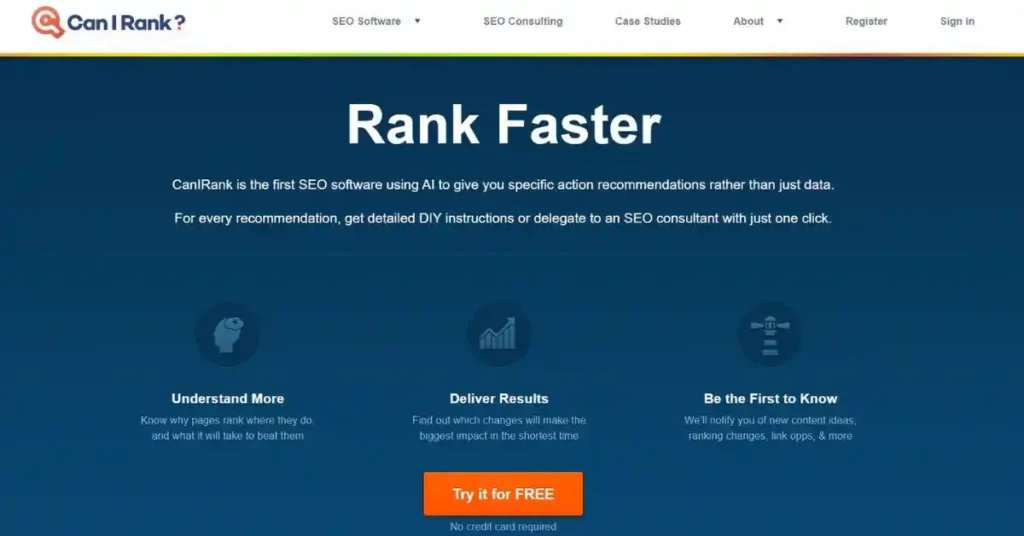
Can I rank is a mind-blowing software that gives you perfect blogging tips, letting you know how to upgrade your SEO ranking. It also gives you tips and tricks to make your blog rank in top positions.
How do you attract traffic to your blog, and what are the things required to increase visitors? These are all included in the duties of Can I rank?
4. Wordable
The problem with copying and pasting from Google Docs to WordPress is that you have to spend hours on formatting your content, and it also takes a great deal of your time. To avoid this unwanted situation, download and install Wordable on your WordPress blog so that you can import anything you want without making any effort to correct any mistakes that might have occurred during the import process.
This is an amazing tool you need to use to ensure that your content is error-free.
5. Kingsumo
King sumo is the outstanding option for you if you want to increase your readership. It attracts readers to your posts. With the help of this tool, you can create an unlimited number of titles.
The best thing about this tool is it displays titles that yield amazing results. The success of your blog depends on the quality of the title. If it’s good, then readers land on it; otherwise, it fails to attract people.
6. Grammar Checker
Regarding best grammar and spelling checking tools, https://grammarchecker.com comes at the top of the list. It highlights mistakes, gives suitable suggestions, checks Grammar mistakes, and much more. You can enjoy it for free, but if you intend to use its amazing features, then buy its plans and take your writing to the next level.
7. Canva
Canva makes your plans more presentable. You can use any template and customize it according to your requirement and your choice. You do not need to be an expert in order to make designing posts on Canva. You can also edit your photos, crop multiple images, and resize images.
8. SemRush
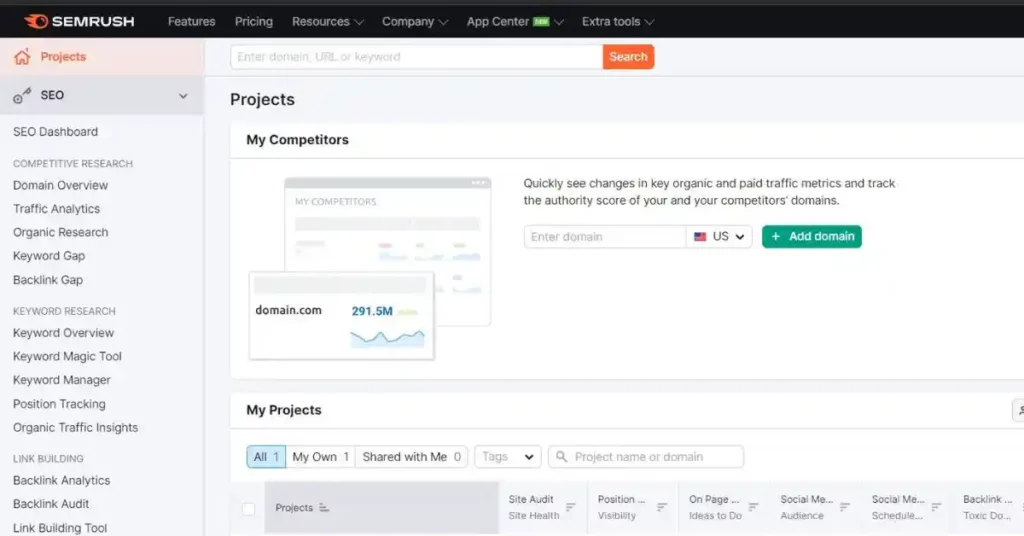
SemRush is an all-in-one outstanding tool that does SEO research for your competitor’s website, runs google ads, and builds organic traffic. It is really helpful for keyword research, blog monetization, and on-page SEO. It offers free trials, but monthly subscriptions provide so many amazing features.
9. Quora
Quora is the best tool for knowing the latest trends in blogging, and it is totally free. You can post any query here, get answers to your questions, and know questions asked by others. If you want to do marketing for your blog, then you are at the right place. Quora is a platform where people from all over the world get advice from experts. You can create your own blog and your separate group as well.
10. CoSchedule
CoSchedule is a great tool for scheduling and publishing your blog posts. It allows you to plan your content, set deadlines, and publish to multiple platforms. CoSchedule also makes it easy to collaborate with team members.
Conclusion
Listed below are some of the best free and paid tools and software for you to use in order to improve your content. You can download them and save the time and effort of manual work.
As a blogger myself, I hope you find them to be of great assistance and to help you drive more traffic, leads, and results in your field.
With the use of these tools, you will not only save yourself a lot of time and hassle, but you will be able to focus more on your work and create awesome contents.