
WRITE FOR US
ItsEasyTech
  • Social Media
    • FacebookFacebook
    • SnapchatSnapchat
    Social Media
    We ItsEasyTech will cover social media guides, tips, and how-tos here. Our content is 100% original and based on in-depth research covering Facebook to TikTok…
    Show More
    Top News
    Try Again Later Error Fix on Instagram
    How to Fix “Try Again Later” on Instagram
    March 31, 2022
    TikTok’s Hidden Permissions 3 Settings to Change NOW
    TikTok’s Hidden Permissions: 3 Settings to Change NOW
    January 6, 2026
    Twitter IP Address Lookup
    Twitter IP Address Lookup
    April 25, 2023
    Latest News
    Does Facebook Notify When You Save a Photo?
    April 14, 2026
    How to See Deleted Messages in Discord (3 Easy Methods)
    February 3, 2026
    How to Turn One YouTube Video into 10 TikToks/Shorts with AI
    January 8, 2026
    Can Someone See if You Search Their Name on Facebook? (The 2026 Myths vs. Reality)
    January 6, 2026
  • How To
    How ToShow More
    does facebook notify when you save a photo
    Does Facebook Notify When You Save a Photo?
    April 14, 2026
    How to block adult content on iPhone
    How to Block Adult Content on iPhone in 4 Easy Ways
    April 14, 2026
    How to Edit Email Signature Outlook Settings Quickly
    How to Edit Email Signature Outlook Settings Easily
    April 11, 2026
    How to Type the Degree Symbol on a Mac Keyboard
    How to Type the Degree Symbol on a Mac Keyboard
    April 11, 2026
    Why Small Businesses in Kent Are Rethinking How They Handle IT
    Why Small Businesses in Kent Are Rethinking How They Handle IT
    March 17, 2026
  • Reviews
    ReviewsShow More
    The Best Adobe Photoshop Alternatives
    The Best Adobe Photoshop Alternatives That Don’t Slow Your PC
    July 30, 2025
    Protect Your Privacy: The Case for Anonymous Hosting 
    December 11, 2024
    Plaud Note Review Is This the Best Voice Recorder
    Plaud Note Review: Is This the Best Voice Recorder?
    July 15, 2024
    Forerunner 165 review
    Forerunner 165 Review: Garmin’S Budget OLED Running Watch
    March 4, 2024
    best ufo movies to watch
    The UFO Movies to Put on Your Must-Watch List Today
    October 30, 2023
  • Tech Updates
    Tech UpdatesShow More
    WHY THE FIRST 5 YEARS OF RETIREMENT ARE THE MOST DANGEROUS
    WHY THE FIRST 5 YEARS OF RETIREMENT ARE THE MOST DANGEROUS
    April 15, 2026
    How to block adult content on iPhone
    How to Block Adult Content on iPhone in 4 Easy Ways
    April 14, 2026
    How to Edit Email Signature Outlook Settings Quickly
    How to Edit Email Signature Outlook Settings Easily
    April 11, 2026
    How to Type the Degree Symbol on a Mac Keyboard
    How to Type the Degree Symbol on a Mac Keyboard
    April 11, 2026
    Business Owners Key Considerations for Sharepoint Online Search Connectors
    Business Owners: Key Considerations for Sharepoint Online Search Connectors
    April 11, 2026
  • Business
    • Cryptocurrency
    Business
    Get the latest news and insights from the world of digital currencies, and stay informed about the financial markets with our easy-to-use tools.
    Show More
    Top News
    Terra LUNA
    How Much Terra LUNA Can You Mine?
    January 24, 2023
    blockchain
    Cost of Private Blockchain Development: A Business Perspective
    November 30, 2023
    Forex Trading
    Simplifying EU Forex Trading: How to Use the Broker Catalog to Find Your Match
    November 22, 2025
    Latest News
    Business Owners: Key Considerations for Sharepoint Online Search Connectors
    April 11, 2026
    How Custom Software Helps Restoration Companies Grow Faster
    March 25, 2026
    Essential Financial Technologies for Scaling Your Tech Business Internationally
    March 11, 2026
    How to Use ChatGPT to Write SOPs (Plus Free Templates)
    January 8, 2026
ItsEasyTechItsEasyTech
Font ResizerAa
Search
Follow US
© Foxiz News Network. Ruby Design Company. All Rights Reserved.
ItsEasyTech > Tech Updates > Can iPhones Get Viruses? Things You Should Know
Tech Updates

Can iPhones Get Viruses? Things You Should Know

Alex Marz
Last updated: August 19, 2021 1:15 pm
Alex Marz
Share
7 Min Read
iPhone Virus
SHARE

Are you curious that your iPhone might get a virus? Well, We all have heard that iPhones are immune to viruses and malware. Also, Recent Apple phones are impossible for Police to Hack. But is there a possibility that iPhone might be vulnerable to a virus?

We all know that Android is vulnerable to viruses and malware. But what about the iPhone? Can the iPhone get viruses?

Contents
  • How Do Viruses Works?
  • How Safe is iOS?
  • What Increases Your iPhone Virus Risk?
  • How To Find If Your iPhone Has a Virus?
  • What Precautions Should You Take?
    • Final Thoughts

Maik Morgenstern, chief technology officer for AV-Test, told “However, the practical hurdles are quite high, and it is unlikely for a normal user to get affected. But vulnerabilities exist. Attackers can exploit that.”

How Do Viruses Works?

As we all know, we live in the middle of a security meltdown with software viruses and malware running rampant. Well, some part of this is genuine. They can seriously affect our connected internet devices like mobile, laptop, or even speakers.
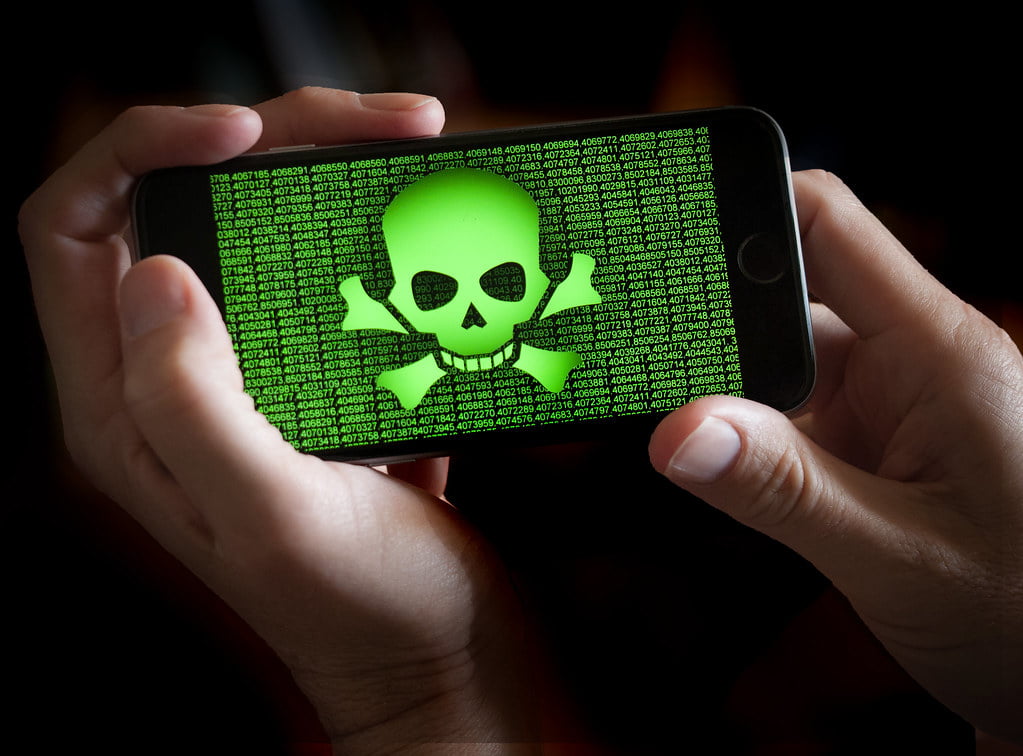
Before we go any further, let’s talk more about the virus and how it affects our devices. People tend to see the virus as harmful and dangerous software.

A virus is just a small part of malware (Malicious program) that infects a host, inserting itself into an existing program, and then it spreads.

How Safe is iOS?

Unlike Android and Windows, getting viruses on iPhone is super rare. So, what makes it vulnerable for viruses to spread through the device. Since now, chances of getting viruses on iOS are zero, thanks to its “walled-garden” approach to software and services running on the iOS platform.


iPhone allows users for limited choices, and they don’t allow further customization on their iPhone devices. Look at the bright side too.
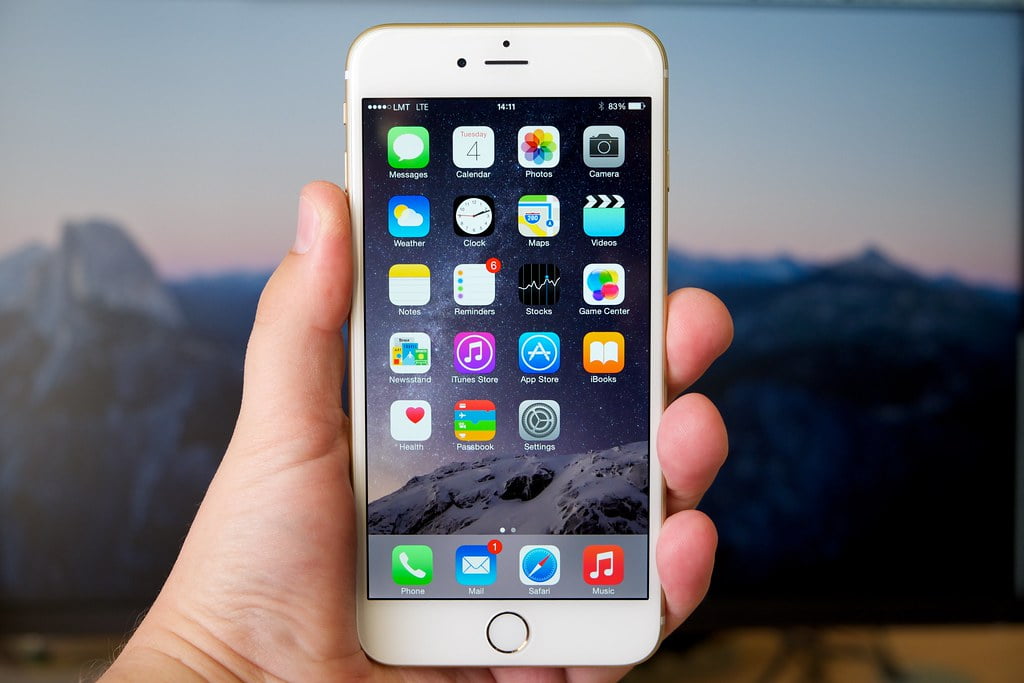
iPhone Wallpaper

Their restrictions have some advantages too. That’s the reason why you’re so safe from viruses and malware. Sometimes due to some desires, people unknowingly download harmful viruses from the internet, and we know you don’t want that to happen.

Since iOS is a closed platform, people can only download apps and games from the Apple Store. It’s doubtful that you will download and install a virus on your phone since Apple manually checks it.

However, That doesn’t make it impossible. In one case, cybercriminals could trick Chinese app developers into using a counterfeit version of an Apple development tool and allowing them to infect legitimate apps in the iOS App Store with malware.

In 2017, WikiLeaks published some details of the CIA’s hacking tools. In that report, there were some methods that the CIA had used to break into iPhones by exploiting vulnerabilities in iOS.

Soon after the report, Apple spokesman ensured that they were aware of the vulnerabilities and patched most of them. And, the rest of them will be repaired soon.

What Increases Your iPhone Virus Risk?

The fundamental iPhone contaminations that have been seen lately are worms that exclusively attack iPhones that have been jailbroken.

Along these lines, as long as you haven’t jailbroken your contraption, your iPhone, iPod contact, or iPad should be shielded from viruses.

You can get a sentiment of how much danger there is of getting an iPhone contamination in perspective of what antivirus writing computer programs is open for the iPhone. It turns out, and there isn’t any.

In case there was any iPod contact, iPad, or iPhone virus confirmation, you can make specific the vast security associations would offer things for it. Since they’re not, it’s ensured to expect something you don’t need to worry over.

How To Find If Your iPhone Has a Virus?

Have you jailbroken your iOS? Besides, gave this is valid, have you presented an application from a non-official source whose believability is flawed?

Presenting applications from a non-official source is essentially the entire reason for jailbreaking.) If yes, you may have harmful programming on your device and attempt to discover and uninstall it.

iPhone Virus

Viruses are tough to detect. They can unknowingly run on your device, and you will not have a single idea about it.

Here are some tips to check if you get suspicious if your device has a virus or malware.

  • As mentioned above, check if your iPhone is Jailbroken.
  • Watch out for any unusual and continuous app crashes.
  • Monitor your battery usage and its performance.
  • Scan and search for unknown apps or games.
  • Look for any pop-up ads on the Safari browser.

What Precautions Should You Take?

You don’t have to worry about any malware or viruses until you stick with Apple Store. You won’t be able to install any third-party apps unless you jailbreak your device.

Just avoid jailbreaking your iOS device and stay away from third-party apps. And here’s the main tip, Install and Update your iOS device as soon you get the software.

Turn on “Automatic Updates” to update your device as soon as you get your update. Those are pretty simple steps to take to protect your iPhone from viruses.

Final Thoughts

The chances of getting viruses on the iPhone are very thin and rare, but not impossible. So make sure to take necessary precautions. You could still infect your iPhone with viruses, so don’t jailbreak and install any unauthorized third-party apps.

There are some excellent iPhone security apps out there for some privacy, and VPN apps can be a good idea. But remember, they have just focused on Privacy, not anything else.

Just stick to the Apple app store, and you don’t have to worry about a virus or malware on your iPhone.


Similar Posts

WHY THE FIRST 5 YEARS OF RETIREMENT ARE THE MOST DANGEROUS
How to Block Adult Content on iPhone in 4 Easy Ways
RGB HEX converter: Convert HEX to RGB online
Share This Article
Facebook Whatsapp Whatsapp Email Print
ByAlex Marz
CEO Of ItsEasyTech - A Real Newbie Learning To Be A Successful Tech Guide. Loves Tech And Gadgets.
Leave a Comment Leave a Comment

Leave a Reply Cancel reply

Your email address will not be published. Required fields are marked *

Read More

What do the llamas in Minecraft Eat
April 14, 2026
How to Get to Undermine in WoW: The War Within Guide
February 11, 2026
WHY THE FIRST 5 YEARS OF RETIREMENT ARE THE MOST DANGEROUS
April 15, 2026
does facebook notify when you save a photo
Does Facebook Notify When You Save a Photo?
April 14, 2026
What do the llamas in minecraft eat
What do the llamas in Minecraft Eat
April 14, 2026
How to block adult content on iPhone
How to Block Adult Content on iPhone in 4 Easy Ways
April 14, 2026
GamesGTA

Quick Guide: How To Use Parachute in GTA 5

How To Use Parachute in GTA 5

Grand Theft Auto (GTA) is a franchise that most of us have heard of, if not played. With over 120 million copies sold worldwide, GTA 5 is the second best-selling…

Alex Marz
April 11, 2026

Your may also like!

Best AI Video Creation Tools in 2026 for Effortless Content

Best AI Video Creation Tools in 2026 for Effortless Content

Alex Marz
March 19, 2026
iMini vs Sora AI

Is “iMini AI” Better Than Sora? (Honest Review & Best Alternatives)

Alex Marz
January 21, 2026

ChatGPT Search vs. Perplexity vs. Google: The Battle for Best AI Search

Alex Marz
January 16, 2026

Always Stay Up to Date

Subscribe to our Newsletter for Daily Updated Tech Contents!

Find us on Social Media

Facebook Pinterest X-twitter Youtube

© 2026 | ITSEASYTECH.COM. All Rights Reserved.

ItsEasyTech

More from ItsEasyTech

  • About Us
  • Disclamier
  • Privacy & Cookie Policy
  • Terms and Condition
  • Write For Us
Welcome Back!

Sign in to your account

Username or Email Address
Password

Lost your password?





