


Building an audience on Twitter (now known as X) can be exciting. You share your thoughts, connect with new people, and learn about topics you love. Over time, your follower count grows.
But sometimes, you realize that not every follower is a good fit for your profile. You might notice spam accounts, bots, or people you simply do not want seeing your daily updates. Managing who follows you is a big part of keeping your online experience safe and enjoyable.
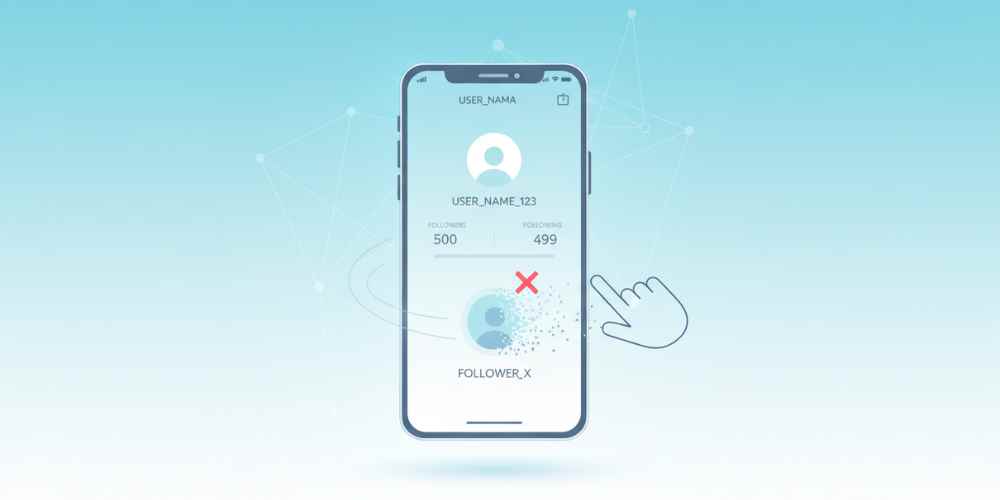
If you are wondering how to remove your followers on Twitter, you are in the right place. We will explain exactly why you might want to trim your follower list and how to do it quickly.
Why Should You Remove Twitter (X) Followers?
1. Reduce Spam & Bots Accounts
Spam accounts are everywhere on social media. These bots often leave annoying comments or send unwanted direct messages with harmful links.
By removing these fake accounts, you stop them from cluttering your notifications. It keeps your profile looking professional and clean.
2. Protect Your Privacy
Sometimes you share personal thoughts or life updates on X. You might not want strangers, old coworkers, or casual acquaintances to see these posts.
Removing specific followers gives you control over your audience. It ensures that only the people you trust can interact with your daily content.
3. Clean User Experience
A large follower count is nice, but quality matters more than quantity. If people follow you just to argue or drop negative comments, they ruin the fun of using the app.
Kicking out the negative voices makes your digital space much calmer. You can focus on having real conversations with people who actually share your interests.
4. Inactive or Deactivated Accounts
Many people make Twitter accounts and abandon them a few weeks later. These “ghost followers” just sit on your list without ever liking or replying to your posts.
Getting rid of inactive accounts can actually help your engagement rate. When your active followers make up a larger percentage of your total list, the X algorithm might show your posts to more people.
How Can You Remove a Follower on Twitter (X)?
Removing a follower on Twitter is an easy process, and can be done in just a few clicks. Here is the step-by-step process:
- Open the Twitter (X) website on your computer or the app on your phone.
- Go to your profile and click on your Followers list.
- Find the person you want to remove.
- Click the three dots (More icon) next to their name.
- Select Remove this follower.
What Happens When You Remove a Follower?
When you remove someone, they will stop following you immediately.
Your posts will no longer appear in their home feed.
Twitter does not send them a notification that you removed them.
However, they can still view your public profile and choose to follow you again later.
How Do You Block a Twitter Account?
Sometimes, simply removing a follower is not enough. If someone is bothering you or you want to make sure they never see your content again, you should block them.
To block someone on Twitter, go to their profile and click the three dots at the top right.
Select Block. When you block a user, they are automatically removed from your followers.
They will not be able to follow you again, view your tweets, or send you messages.
Most Common FAQs About Twitter Followers
1. Does Twitter notify someone when I remove them?
No, Twitter does not send a notification. The person will only realize it if they visit your profile and notice the “Following” button is gone.
2. Can a removed follower follow me again?
Yes. Unless your account is set to private, anyone you remove can just hit the follow button again.
3. What is the difference between removing and blocking?
Removing just takes them off your follower list. Blocking prevents them from seeing your posts, searching for you, or interacting with your account entirely.
4. Can I remove multiple followers at once?
Twitter currently does not offer a bulk removal tool. You have to remove followers one by one.
5. Will removing followers hurt my account?
No, it actually helps. Removing bots and inactive accounts improves your engagement rate and makes your account look more authentic.








