
WRITE FOR US
ItsEasyTech
  • Social Media
    • FacebookFacebook
    • SnapchatSnapchat
    Social Media
    How To Turn OFf Facebook Comments
    make money on YouTube
    We ItsEasyTech will cover social media guides, tips, and how-tos here. Our content is 100% original and based on in-depth research covering Facebook to TikTok…
    Show More
    Top News
    How To See How Many Friends You Have on Snapchat
    How To See How Many Friends You Have on Snapchat
    March 10, 2022
    How to Auto-Delete Facebook Posts After 30 Days (Without Plugins)
    How to Auto-Delete Facebook Posts After 30 Days (Without Plugins)
    July 19, 2025
    best funny kahoot names
    50 Best Creative and Funny Kahoot Names
    January 10, 2024
    Latest News
    YouTube Advertising Is Eating TV’s Lunch — Here’s What Agencies Should Do About It
    September 10, 2026
    What Do the Eyes Emoji Mean on Snapchat Story?
    July 21, 2026
    How to Delete Twitter Followers (Step-by-Step)
    July 21, 2026
    How to Fix the Server Invite API Down Error in Discord
    July 21, 2026
  • How To
    How ToShow More
    How to Build a Mobile App Without Writing a Single Line of Code
    How to Build a Mobile App Without Writing a Single Line of Code
    November 18, 2026
    p2p crypto
    Building a Rule-Based Pricing Engine for a P2P Marketplace
    September 8, 2026
    How to Set Up a 24/7 YouTube Live Stream Without Being Online
    How to Set Up a 24/7 YouTube Live Stream Without Being Online
    September 7, 2026
    How to Migrate VMware ESXi to Proxmox
    How to Migrate VMware ESXi to Proxmox: A Practical Pre-Cutover Checklist
    August 16, 2026
    How to Install Freevee on Kodi
    How to Install Freevee on Kodi
    August 1, 2026
  • Reviews
    ReviewsShow More
    The Best Adobe Photoshop Alternatives
    The Best Adobe Photoshop Alternatives That Don’t Slow Your PC
    July 30, 2025
    Protect Your Privacy: The Case for Anonymous Hosting 
    December 11, 2024
    Plaud Note Review Is This the Best Voice Recorder
    Plaud Note Review: Is This the Best Voice Recorder?
    July 15, 2024
    Forerunner 165 review
    Forerunner 165 Review: Garmin’S Budget OLED Running Watch
    March 4, 2024
    best ufo movies to watch
    The UFO Movies to Put on Your Must-Watch List Today
    October 30, 2023
  • Tech Updates
    Tech UpdatesShow More
    The Notice Handoff Test for Registered Agent Services
    October 20, 2026
    The 10 Best iPhones Ever Made, Ranked
    The 10 Best iPhones Ever Made, Ranked
    October 3, 2026
    Data center
    A Complete Guide to Data Center Design and Infrastructure Planning
    October 2, 2026
    Why YouTube Is Killing TV Ads
    YouTube Advertising Is Eating TV’s Lunch — Here’s What Agencies Should Do About It
    September 10, 2026
    Hip Hosting
    HIP.Hosting Review: Why It’s the Smart VPS Choice for Webmasters
    August 25, 2026
  • Business
    • Cryptocurrency
    Business
    What is Cryptocurrency and how does it work
    Cryptocurrency wallet
    Get the latest news and insights from the world of digital currencies, and stay informed about the financial markets with our easy-to-use tools.
    Show More
    Top News
    Litecoin exchange guide
    Litecoin Exchange Guide: How to Buy, Trade, and Sell Litecoins
    April 4, 2026
    Digital law firm
    The Comprehensive Guide to Law Firm Regulations in Crypto, NFTs, Web3, and Blockchain
    April 11, 2026
    How to Take Your Business from Zero to Hero Every successful business starts with a simple idea, be it to sell bespoke trainers or offer party decorating services, but turning that idea into a thriving, recognizable brand takes strategy, consistency, and the right support. Whether you’re launching a new venture or trying to revive a struggling one, growth doesn’t happen by accident. It comes from smart planning, strong marketing, and a willingness to adapt. If you’re ready to take your business from zero to hero, here are the essential steps to help you rise above the competition. 1. Build a Solid Brand Foundation Before you can grow, you need to establish who you are and what your business stands for. Start with a clear brand identity. What is your mission? Do you have values that you want to uphold? Have you decided upon a tone of voice and visual style? All of these elements form the foundation of your reputation and guide how you communicate with your audience, so they require plenty of thought. Once you’ve decided, remember that consistency is key. You need to use the same branding across your website, social media profiles, marketing materials, and emails. This creates recognition and helps customers feel confident in your professionalism. A strong, unified identity not only attracts attention but also builds trust. This is something every “hero” brand needs to succeed. 2. Create a Website That Works for You Your website is often the first impression potential customers have of your business, so make sure it delivers. It should be visually appealing, easy to navigate, and optimized for both desktop and mobile devices. Every page should clearly guide visitors toward taking action, whether that’s making a purchase, booking a service, or contacting you. Pair this with high-quality images, clear messaging, and engaging content, and this will help keep visitors interested, while fast load times and secure checkout processes ensure a positive user experience. The better your site performs, the more likely customers are to trust your brand and convert. 3. Leverage SEO to Build Visibility and Trust Even the best website won’t drive results if no one can find it. That’s where search engine optimization (SEO) comes in. SEO helps your website rank higher on Google and other search engines, putting your business in front of people actively searching for what you offer. However, SEO is complex; it’s not just about keywords. It involves optimizing your site structure, improving content, building backlinks, and understanding search algorithms. For many businesses, this can be overwhelming to manage alone. That’s why turning to SEO consulting services can be a game-changer. SEO consultants bring expertise, tools, and proven strategies to help you achieve faster and more sustainable growth. They analyze your website, identify weaknesses, and create a tailored plan to improve rankings and drive more qualified traffic. By working with professionals, you avoid common pitfalls and ensure that your SEO strategy aligns with your broader business goals. An experienced consultant can also keep your business up to date with the latest algorithm changes and best practices, ensuring your progress stays on track. 4. Create Valuable Content That Connects To truly take your business to the next level, focus on creating content that educates, entertains, or inspires your target audience. Blog posts, guides, videos, and infographics are all excellent ways to build credibility and drive engagement. Valuable content like this doesn’t just attract attention; it keeps people coming back. The more you share your knowledge and insight, the more authority your brand gains. Over time, your audience will begin to see you not just as a business, but as a trusted industry leader. 5. Track, Adapt, and Grow Every great business pays attention to its data, so start to use analytics tools to track your website performance, SEO progress, and customer behavior. This helps you understand what’s working and what needs improvement. Don’t be afraid to adjust your approach based on the results. Markets change, trends evolve, and customer needs shift. The ability to adapt quickly is what separates growing businesses from stagnant ones. Final Thoughts Taking your business from zero to hero isn’t about luck; it’s about strategy, consistency, and expert guidance. With the right foundation and the right experts by your side, your business has everything it needs to become the hero of its own story.
    How to Take Your Business from Zero to Hero
    November 5, 2025
    Latest News
    How to Evaluate Forex Broker Withdrawal Policies
    November 4, 2026
    Forex Brokers Worth Considering for Client Fund Protection in 2026
    October 20, 2026
    The Anti-Pressure Playbook: How Rokt Reduces Cart Abandonment With Relevance, Not Urgency
    October 2, 2026
    Understanding the Modern Global Brokerage Ecosystem
    September 17, 2026
ItsEasyTechItsEasyTech
Font ResizerAa
Search
Follow US
© Foxiz News Network. Ruby Design Company. All Rights Reserved.
ItsEasyTech > How To > How To Cancel Philo Subscription
How To

How To Cancel Philo Subscription

Alex Marz
Last updated: January 25, 2023 12:19 am
Alex Marz
Share
8 Min Read
How To cancel Your Philo Subscription
SHARE

You can cancel your Philo subscription if you no longer feel like it’s the right service for you.

We’ve included multiple ways to cancel your Philo account. However, the web browser version is a good place to start since it’s an option available to all users, regardless of what devices you use.

Contents
  • About Philo
  • Is Philo Easy To Cancel?
  • Why should you cancel your Philo Subscription?
  • How To Cancel Philo on a Desktop/Browser
    • 1. Open Philo Website and Login
    • 2. Click on User Icon (A Smiley Icon)
    • 3. Navigate to the “Accounts” Tab
    • 4. Click on “Cancel my account”
    • 5. Reconfirm Your Cancellation
  • How To Cancel Philo on Your iPhone 
  • How To Cancel Philo Subscription on Amazon Fire TV
  • How to cancel Philo on Roku
  • Conclusion
  • Further Reading

Since you plan to cancel Philo, there are other alternatives you can consider.

Regardless, by the time you’re done reading this article, you’ll understand why and how to cancel your Philo account.

  • Is Philo Easy To Cancel?
  • Why should you cancel your Philo Subscription?
  • How To Cancel Philo on a Desktop/Browser
  • How To Cancel Philo on Your iPhone 
  • How To Cancel Philo Subscription on Amazon Fire TV
  • How to cancel Philo on Roku

About Philo

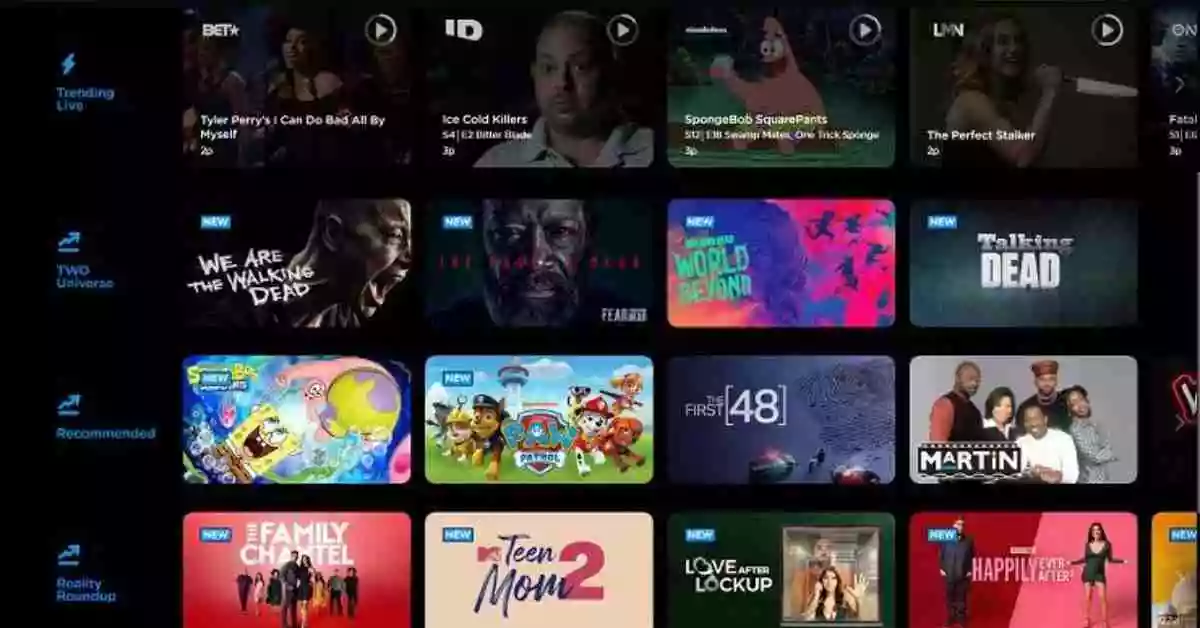
Philo is a live TV streaming service that gives you access to over 65 live channels for just $25 per month.

The channel lineup of Philo includes Comedy Central, Discovery, Food Network, Nickelodeon, and more.

This is less than half the price of some of the best cable TV alternatives, such as YouTube TV and Hulu with Live TV.

However, that low price comes with a catch, as some of the most popular cable TV channels are unavailable.

Base Price$25
Channels Supported65
Free Trial7 Days
Best ForA streamer who doesn’t require live sports or local channels
Supported Streaming DevicesRoku, Amazon Fire, Chromecast, Apple TV, Smart TVs, and More

Is Philo Easy To Cancel?

Yes, it is very easy to cancel your Philo subscription regardless of what platform you subscribed to.

Philo is available on Roku, Amazon Fire, Chromecast, Apple TV, Smart TVs, and many others, and you can easily cancel your account with just a few taps. 

If you cancel your Philo subscription, you can move on to bigger and better things.

As an example, Disney+ offers exclusive, high-grade on-demand content, and you can cancel Disney+ as easily as you canceled Philo.

Why should you cancel your Philo Subscription?

Obviously, this is a very subjective question and might differ from person to person, but here are a few reasons why you might want to cancel your Philo subscription:

1. You can access over 65 popular broadcast and cable channels for $25 per month with a Philo subscription. There is no contract or cable box to use, and you can view live and on-demand content on your television, phone, tablet, or computer. However, Philo has no sports channel and a few of the most popular channels that people might want to watch. 

2. You can only stream to three devices at a time with Philo. For example, two people could stream on two TVs at home, and a third could watch from a smartphone!

3. There is an issue with delayed broadcasting and lags and errors on some devices, which is why people always opt for Philo alternatives.

4. Many other alternatives to Philo exist, with better standards and meeting viewer needs, which might account for the decision to cancel Philo. 

How To Cancel Philo on a Desktop/Browser

You can cancel Philo on your Desktop or through a Browser by following these simple steps.

Philo Desktop Browser

1. Open Philo Website and Login

You need to visit Philo’s official website and log in with your credentials to get started. 

You can then proceed to the next step to cancel your Philo subscription.

2. Click on User Icon (A Smiley Icon)

After logging into your Philo account, click on the user icon.

The user icon is a smiley face located at the top-right corner of the screen. 

3. Navigate to the “Accounts” Tab

Once you click on the User icon, you’ll see several tabs.

Among the tabs are Settings, Accounts, Referrals, Switch Profile, and Sign out.

Select “Accounts” from those tabs to see available options. 

4. Click on “Cancel my account”

Under the Accounts Tab of the previous step, scroll down until you see “Cancel my account“.

Click on Cancel my account to cancel your Philo account. 

5. Reconfirm Your Cancellation

Upon clicking Cancel my account, a pop-up window will appear asking you to explain the reason for canceling your Philo account.

Enter your reasons and click cancel your account, and you’re done. You’ve successfully canceled your Philo account. 

How To Cancel Philo on Your iPhone 

These steps will show you how to cancel your Philo subscription on your iPhone. 
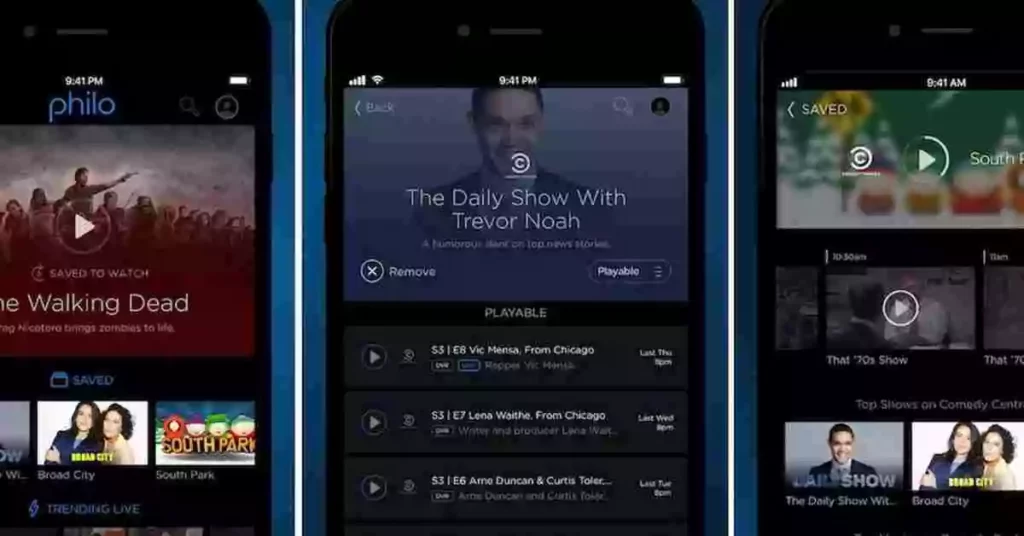
Philo For iPhone

1. Click on the Settings icon on your iPhone.

2. Then, Tap your name and Apple ID on the top. 

3. Scroll down and tap on “Subscriptions.”

4. Navigate on your “Philo” subscription.

5. Go to the bottom and tap “Cancel Subscription“.

6. You’ve successfully canceled your Philo account on your iPhone.

How To Cancel Philo Subscription on Amazon Fire TV

Follow these steps to cancel Philo on Amazon if you have subscribed to Philo with your Fire TV device.
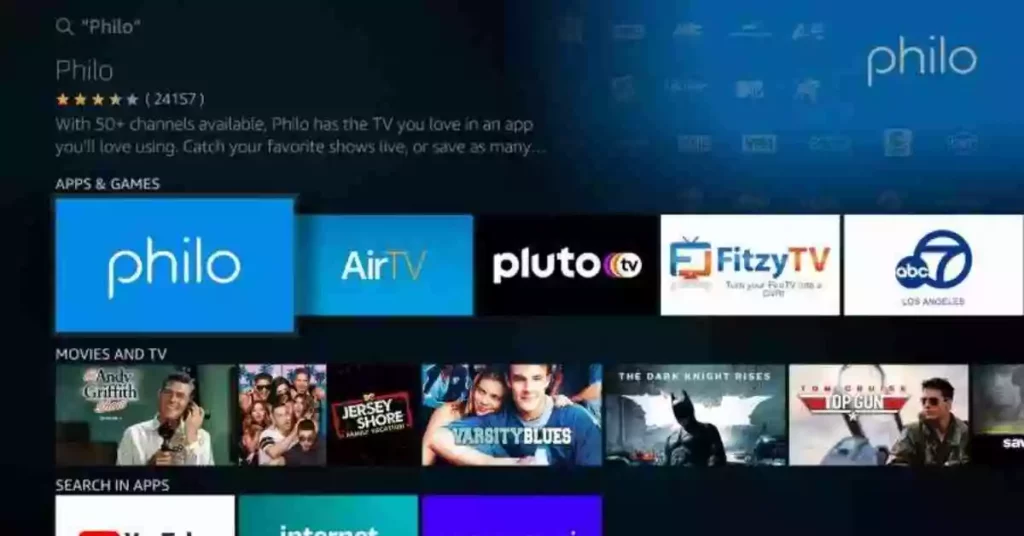
Philo on Amazon Firestick

1. Open Amazon’s app store subscriptions website in your web browser. 

2. After that, in the “Action” dropdown list for Philo, select “Turn off auto-renewal.”

3. Select “Turn off auto-renewal” to cancel your Philo subscription. 

How to cancel Philo on Roku

You can cancel your Philo subscription on Roku devices if your subscription was paid by using Roku Pay. Follow these simple steps to cancel Philo on your Roku devices. 
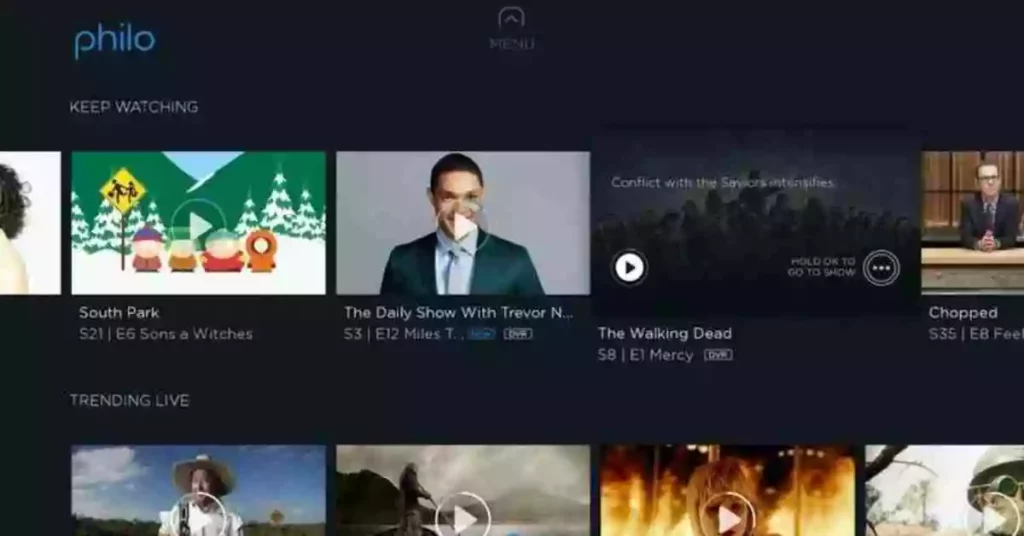
Philo On Roku

1. Press the home button on the Roku remote. 

2. To open the Philo app, highlight it and press the “*” button on your remote.

3. Choose “Manage subscriptions.”

4. Click “Cancel subscription” once, then click it again to confirm it.

5. Click “Done.” Now your subscription for Philo is canceled and will not be renewed for another cycle.

Conclusion

Due to a wide variety of devices being compatible with Philo TV, including Roku, Apple TV, and desktop browsers on Macs and PCs, Philo TV appears nearly identical whether you are viewing TV on your computer or via any of Philo’s mobile apps.

Instead of paying these channels’ expensive broadcast rights fees, Philo focuses on reality TV, documentaries, comedy and drama series, movies, and children’s programming.

However, if you still wish to cancel your Philo account, you can easily do so by following our guide.

if you have any additional questions or suggestions, you can comment below or feel free to contact us.


Further Reading

How To Watch Twitch on Roku

Similar Posts

How to Build a Mobile App Without Writing a Single Line of Code
Building a Rule-Based Pricing Engine for a P2P Marketplace
How to Set Up a 24/7 YouTube Live Stream Without Being Online
Share This Article
Facebook Whatsapp Whatsapp Email Print
ByAlex Marz
CEO Of ItsEasyTech - A Real Newbie Learning To Be A Successful Tech Guide. Loves Tech And Gadgets.

Read More

What Does Density Do in Minecraft?
August 1, 2026
Armadillo Spawn Rate in Minecraft
July 21, 2026
The Notice Handoff Test for Registered Agent Services
October 20, 2026
The 10 Best iPhones Ever Made, Ranked
October 3, 2026
Data center
A Complete Guide to Data Center Design and Infrastructure Planning
October 2, 2026
Why YouTube Is Killing TV Ads
YouTube Advertising Is Eating TV’s Lunch — Here’s What Agencies Should Do About It
September 10, 2026
Finance

How to Evaluate Forex Broker Withdrawal Policies

How to Evaluate Forex Broker Withdrawal Policies

A trader requests a withdrawal on Friday evening. By Monday morning, the request still shows as pending, and no money has reached the bank account. Is the broker checking the…

Red Eliot
November 4, 2026

Your may also like!

Best Study Apps for Students

6 Best Study Apps for Students in 2026

Alex Marz
April 23, 2026
5 Best Apple Carplay Apps To Use

5 Best Apple Carplay Apps To Use in 2026

Alex Marz
April 20, 2026
best RARBG Torrent Alternative Sites

10 Best RARBG Torrent Alternative Sites in 2026

Alex Marz
April 11, 2026

Always Stay Up to Date

Subscribe to our Newsletter for Daily Updated Tech Contents!

Find us on Social Media

Facebook Pinterest X-twitter Youtube

© 2026 | ITSEASYTECH.COM. All Rights Reserved.

ItsEasyTech

More from ItsEasyTech

  • About Us
  • Disclamier
  • Privacy & Cookie Policy
  • Terms and Condition
  • Write For Us
Welcome Back!

Sign in to your account

Username or Email Address
Password

Lost your password?