

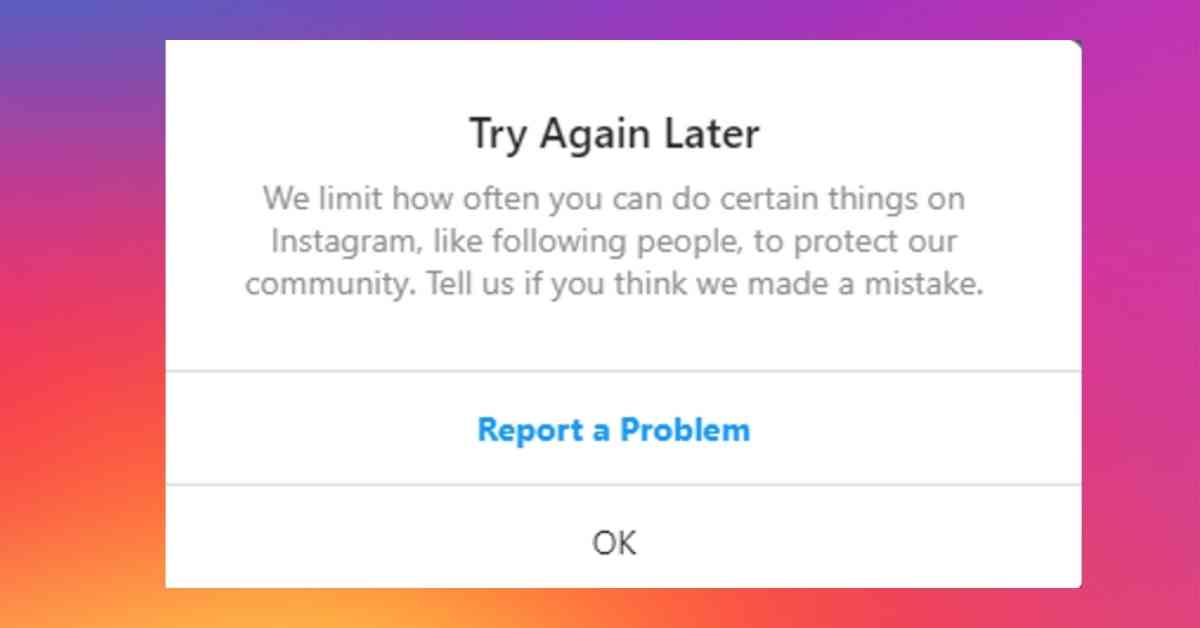
Users of Instagram are currently experiencing an error “try again later” after a major update in the application.
Have you encountered the same “Try again later” error on Instagram?
You don’t need to worry if you are still facing this error. We can help you fix the try again later error on Instagram
But before that what causes this problem? What can you do about it?
Throughout this article you will learn about Instagram try again later error and several alternative fixes for this issue.
Let’s jump right into our topic without any further ado.
- What Causes “Try Again Later” Problem on Instagram
- How To Fix “Try Again Later” Problem on Instagram
- How long does “Try again later” last on Instagram?
- How To Prevent “Try Again Later” Error on Instagram
What Causes “Try Again Later” Problem on Instagram
The “Try Again Later” error appears if you take too many actions on Instagram (manually or via an automation tool/app).
There are a lot of spam-control features on Instagram.
There are anti-spam and anti-automation measures on Instagram, which has resulted in the “Try again later” error.
Otherwise, people will be able to abuse actions at an uncontrollable rate.
The reason you are facing this is that you used any bot services or performed an action that resembled a bot, and Instagram believes you are a bot because they detected your activity.
Instagram adds new types of blocking after each update to prevent users from taking advantage of third-party tools.
In case you are one of those users, this is probably the reason why you have encountered this problem.
Also, you might encounter “Try Again Later” due to a glitch in the Instagram app which will be resolved shortly.
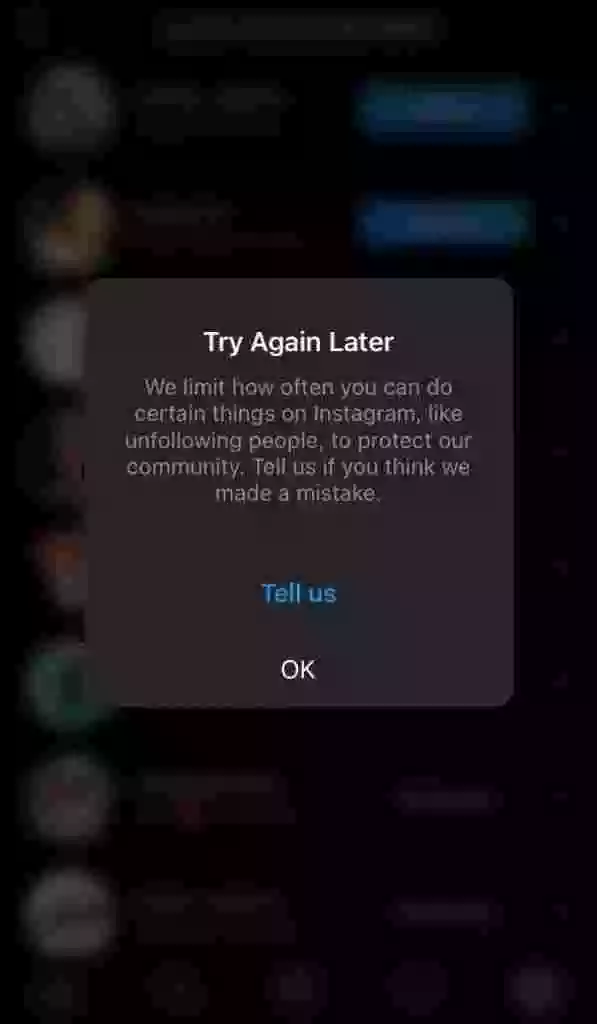
In a summary, here are three reasons why you’re facing Try again later error on Instagram.
1. By using automation or third-party apps to increase the number of likes, comments, or followers.
2. Engaging in actions too quickly, such as liking, commenting, posting, or following.
3. A glitch in the Instagram app will be resolved shortly.
How To Fix “Try Again Later” Problem on Instagram
Now that we know the problem that was causing Instagram Try again later error, let’s move toward solving it.
As I mentioned before, this error may have been caused either by using third-party applications or tools that increase your number of likes and followers or it may have been caused by an Instagram glitch that will be fixed soon.
In any case, you can use the following methods to fix Instagram’s try again later issue.
1. Log out and log back into your Instagram account
A simple log out and log back in can solve the “Try again later” error on Instagram.
If the error persists for several days then you can log out and back in again to resolve the issue.
Additionally, You should also clear the Instagram cache before logging in back to your account.
If you aren’t familiar with how to clear the Instagram cache, here’s how you can do it.
- Navigate to the “Settings” of your device.
- Go To “Apps” and Find the Instagram app.
- Tap on Instagram Icon and click on clear cache. (Note: iOS users must uninstall and reinstall Instagram to clear the Instagram cache)
- Log Back into your Instagram account.
If the issue still persists, you can try the next method to fix Try later error on Instagram.
2. Login from a different device
In some cases, Instagram might block your IP address or your device ID. If that’s the case, a restart won’t help.
In order to access Instagram, you’ll need another device – like your PC or a different device.
To find out if your problem has been resolved, go to instagram.com from your web browser and log in with your username and password.
Additionally, you might want to switch to a VPN or switch your network connection to remove the IP address block.
3. Change Your Instagram Password
In case you used any third-party apps in the past, or if someone is using your account to perform an unauthorized activity, changing your Instagram password is a good solution to fix Instagram Try again later issue.
When you change your Instagram password, most third-party apps and automation tools will no longer work, hence fixing this issue.
Additionally, many users have reported that changing their Instagram password has helped them to resolve this error.
If you do not remember your password, you may reset it and revoke access to third-party apps.
In either case, you must change your password to secure your account and prevent Instagram from banning or blocking you completely.
4. Remove Any Spammy Links From Bio
If you have any spammy links in your Instagram bio, you must remove them in order to solve the “Try again later” issue.
You must remove any Linktree or other such link from your bio immediately. You should assume that the link in your bio is the potential cause of the error if you have already tried all the methods mentioned above and nothing has worked.
The error disappeared instantly for many users when they removed the bio link after trying every possible method.
In this case, if you have any links on your Instagram Bio, you need to remove them immediately to resolve this issue.
5. Wait For It To Resolve Itself
It takes about 24-48 hours for the “Try again later” issue on Instagram to resolve itself.
“Try again later” errors do not have an expiration date, so it is not clear when the block will end.
My block was personally removed within 18 hours and users have reported that their block was lifted within 3 days.
Nevertheless, if none of the above methods is effective, then patience might be the answer.
Besides, you can take a short break and detox yourself from Instagram once in a while.
How long does “Try again later” last on Instagram?
There is a chance that this issue will be resolved after a short period of time, so it won’t be an issue for a very long time.
However, the time it takes to resolve this issue is subjective and differs from person to person.
It takes around 2-3 days in some cases, while mine was fixed within 18 hours, so I guess I was just lucky.
Nevertheless, the average time it takes to fix the “Try Again Later” issue on Instagram is 3-4 days.
I believe that is the maximum time it takes to resolve this issue, and if it still persists you can contact the Instagram support team for more information.
How To Prevent “Try Again Later” Error on Instagram
You must stop following and unfollowing users excessively, stop using third-party apps and tools, and slow down on liking and commenting on Instagram in order to avoid the “Try again later” error.
The most common reason for Instagram blocking your actions is repeated actions.
The most effective way to prevent action blocks like the “Try again later” error on Instagram is to carry out your actions slowly, like a normal human.
In other words, it means acting moderately slowly so you won’t appear like a bot.
Here’s what you must do to prevent the “Try Again Later” error from happening again on your Instagram account.
1. Stop Using Third-Party Apps or Tools
Third-party apps and tools will have access to your account and may perform actions Instagram may not approve of — further resulting in blocking your action or account.
- Click on the “Profile” tab, then tap on the hamburger menu to open the settings tab.
- Next, scroll down to “Security”
- Afterward, click on “Apps and websites” > Active > Remove all unwanted third-party apps/ tools.
- You’ve successfully revoked access to unwanted third-party tools from your Instagram account
2. Avoid following/unfollowing users excessively
The second thing you should avoid is taking extensive follow/unfollow actions in a short period of time.
In order to avoid following or unfollowing users too fast, you need to slow down your actions and do it in intervals.
For example, you would like to follow or unfollow no more than one user every minute.
Additionally, it is also important to keep track of the maximum number of followers and unfollows you can have on Instagram.
3. Do not like or comment too often
The last thing you should do is to slow down on liking and commenting on posts.
Likes and comments can be made in intervals on each post you see.
Ideally, you should comment on one post every 3 or 5 minutes as a good interval.
There is very little chance of getting your action blocked by liking or commenting on posts.
However, there is a possibility that this can happen, and you have to make sure you do not get the “Try again later” error by performing your actions quickly.
Fix “Try Again Later” issue on Instagram
As Instagram has billions of users, one can be sure that many of them face hundreds of issues regularly.
Obviously, Instagram cannot solve these problems by itself, which is why we are here to help you out.
Instagram will sort itself out and fix all problems as soon as they arise if it’s their app glitch issue.
In any case, if the issue still persists, you can appeal to Instagram regarding this matter, and hopefully, the problem will resolve then.
I hope the methods mentioned above have helped you fix your Instagram account “Try Again Later” issue.
if you have any additional questions or suggestions, you can comment below or feel free to contact us.
Further Reading
How To Know If Someone Restricted You On Instagram
4 Genius Tricks To Read Instagram Messages Without Opening DMs








