

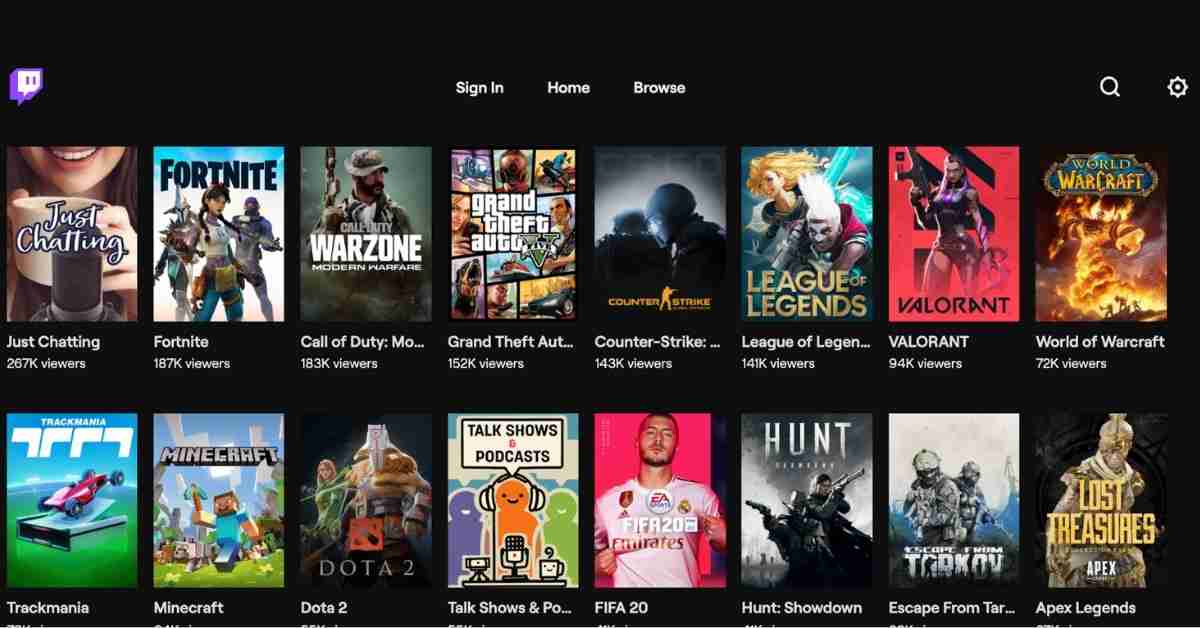
Here’s a bummer — Roku does not have an official Twitch channel, but there are several ways to watch Twitch on Roku and your favorite streamers.
Twitch had an official Roku channel, but that has now been discontinued. However, there is still a way to get that old and official Twitch channel on your Roku device.
There are not one, not two, but three different ways to watch Twitch on your Roku device.
Let’s get started right now with some basics.
- Can You Watch Twitch on Roku?
- How To Watch Twitch on Roku with Official Channel
- How To Watch Twitch on Roku with an Unofficial Channel
- How to Watch Twitch on Roku with Screen Mirroring
Can You Watch Twitch on Roku?
Yes, you can watch Twitch on Roku. There are three options to stream Twitch on Roku: the official Twitch channel, unofficial Twitch channels, and Screen mirroring.
Twitch’s official channel is only available to those who accessed Twitch through a Roku before the channel gets removed.
However, the other two methods are still available to everyone.
We’ll look at all three ways to watch Twitch on Roku and some alternatives — in case old methods stop working.
How To Watch Twitch on Roku with Official Channel
Follow this step-by-step guide to watch Twitch on Roku. As of 14th March 2022, this method does not work, but there used to be an official Twitch channel through which people could watch video streams.
- Login to the Roku site with your login credentials by visiting https://my.roku.com in your browser.
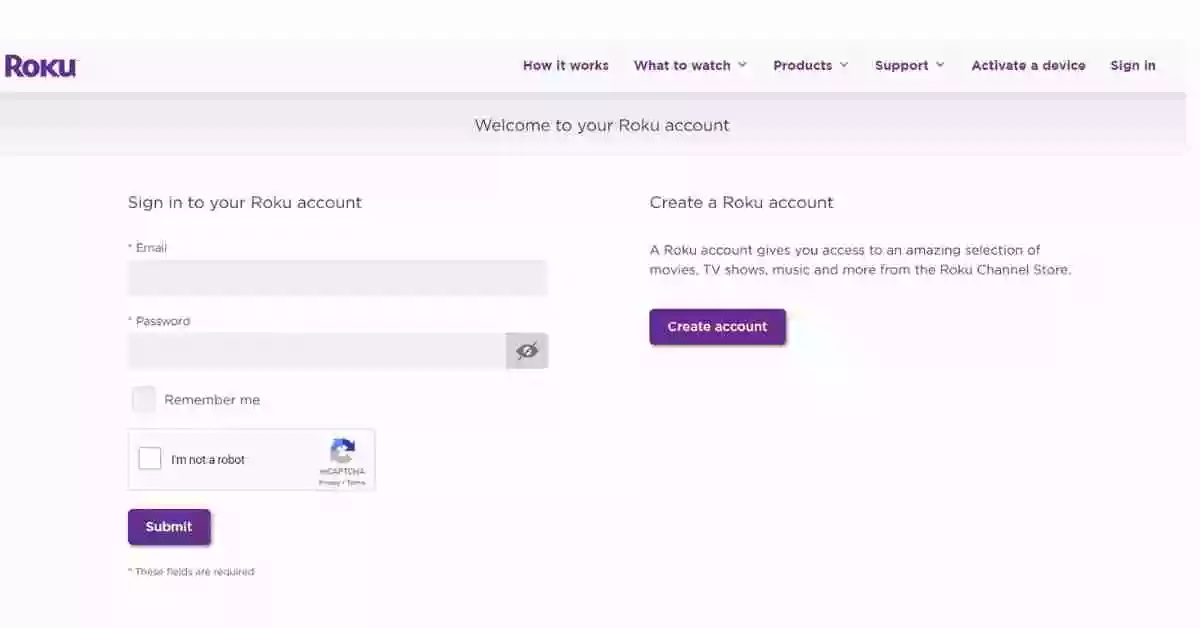
- After logging in, click “My Account” at the bottom of the page and click “Add a Channel with Code.”
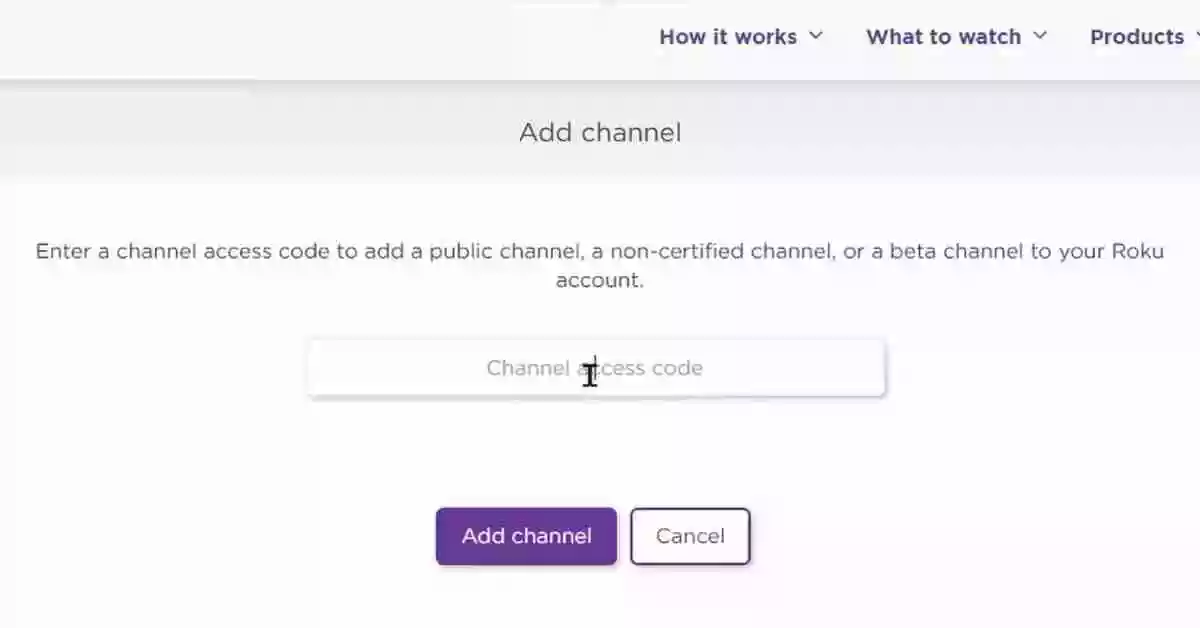
- Next, type “twitchtv” (in lowercase) and click “Add Channel.”
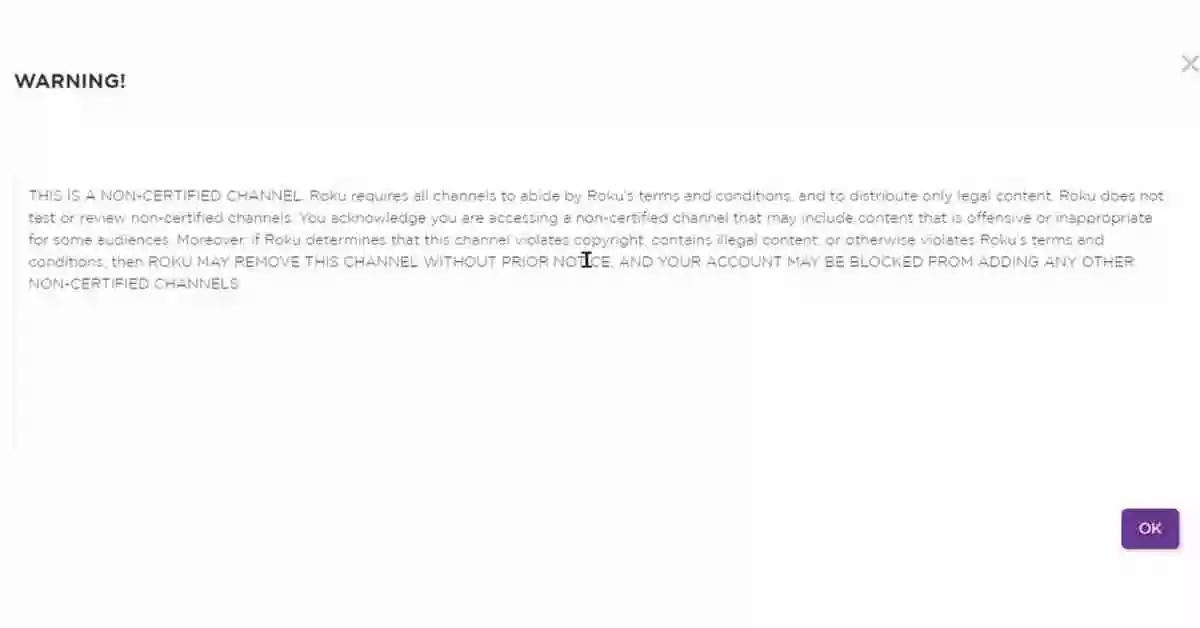
- After you add, you’ll see some warning pop-ups. To accept these terms and conditions, click on “Ok” to continue.
- Then click “Yes, add channel” and Done. You’ve successfully added Twitch on Roku.
Once the channel has been added, you can log in to Twitch and begin watching. However, please keep in mind that Chat features will be unavailable, but you can browse streams and channels.
How To Watch Twitch on Roku with an Unofficial Channel
This is an alternative way to watch Twitch on Roku, but it is an unofficial channel. If you cannot add Twitch to Roku using the Official Channel, you can use this method instead.
Adding an unofficial Twitch channel is your best option if you haven’t used Twitch on Roku before. While Twitch is still available to users who downloaded it before, Amazon has now discontinued the Twitch channel on Roku.
To access these channels, you need to enter a code through the Roku Channel Store, just like before.
This is how you can stream Twitch through the unofficial TWOKU app on your Roku:
- Navigate to the Roku site with your web browser, log in with your credentials and click Add channel with a code.
- Enter “TWOKU” and click Add channel.
- After that, you will see some warning pop-ups, just as you did before. Then click “Ok” to accept these terms and conditions,
- Then, click “Yes, add channel” to add Twoku to your Roku.
How to Watch Twitch on Roku with Screen Mirroring
We now have a third alternative for watching Twitch on Roku through Screen Mirroring, which can be done on any device, including Android, Mac, and Windows.
If you are using a Roku device, keep in mind that Screen mirroring is not the same as casting. Additionally, most modern Roku devices support screen mirroring; you’ll want to make sure that your device supports Screen mirroring.
You can cast or mirror your Screen from your phone, Mac, or Windows to your Roku to play Twitch. The feature is the same with different names like Windows PCs use the wireless display feature, Macs and iPhones use AirPlay, Android devices use screencasting.
Screen Mirror Twitch from Android to Roku
Let’s look at how to watch Twitch on Roku via Screen mirroring on Android devices first.
Download and install the Twitch app from the Google Play Store from your Android device. Once the app is installed, launch the app, sign in with your credentials and go to the stream you wish to view.
Lastly, go to screen view, select your display, accept the prompt from your Roku device, and you’re done.
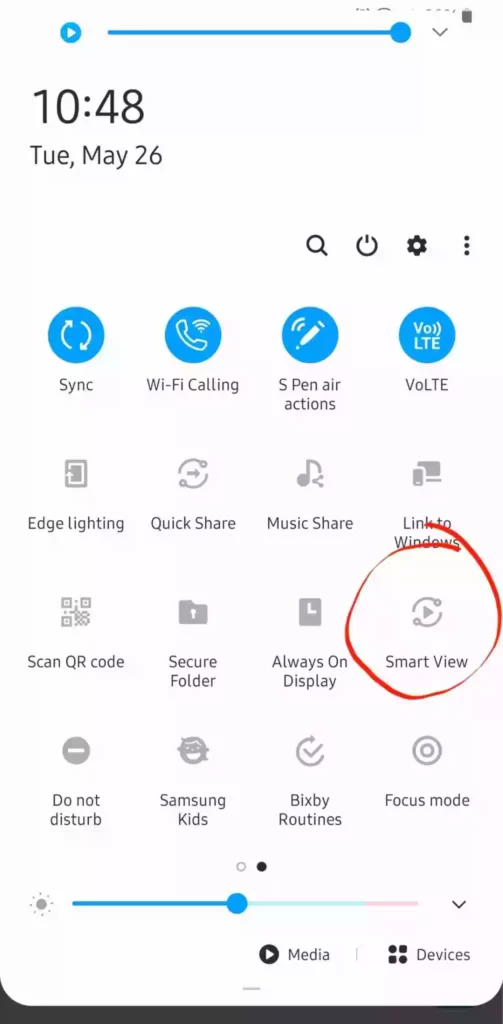
Additionally, to view a Twitch stream video on full screen, you can tap on the video icon, press the rotate screen icon, and tap the full-screen icon.
Screen Mirror Twitch from Mac to Roku
Mac users have the option of using AirPlay for Screen Mirroring.
You can select Screen Mirroring by tapping on the Control Center icon in the top right corner of your Mac’s menu bar.
As long as your Roku device supports AirPlay and you’re running macOS 10.14.5, or later, you can stream your Screen directly from your Mac through Twitch.
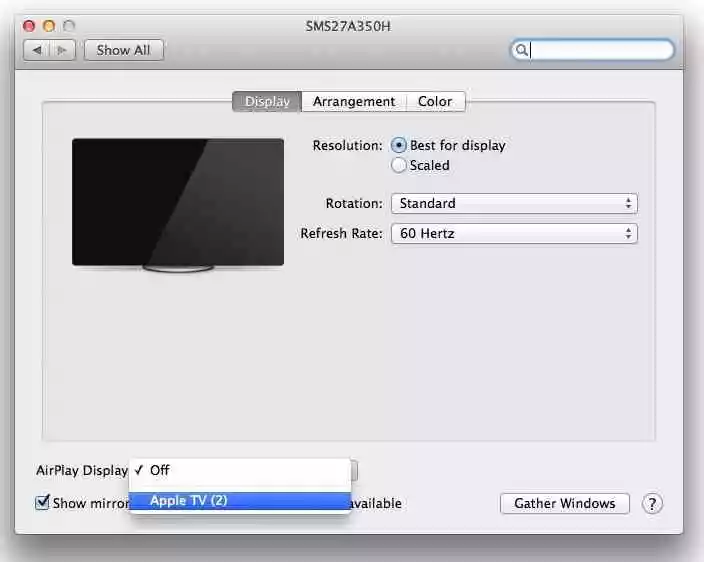
After pairing your Mac with your Roku device, use Twitch as normal from your Mac, and the Roku will mirror the stream.
Screen Mirror Twitch from Windows to Roku
Alternatively, you can use your laptop or desktop computer and connect to your Roku.
Launch Twitch in your web browser, use the keyboard shortcut Windows key + A to bring up the Quick Actions menu, then click Cast.
Alternatively, you can press the Windows + K button to bring the Cast menu and search for your device.
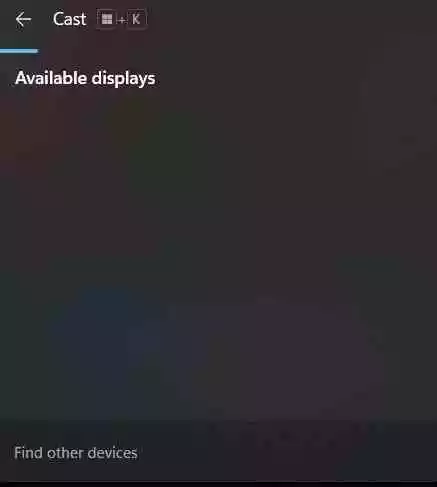
Lastly, select Allow on your Roku to allow it to access your computer. Then watch your favorite Twitch action on display connected to your Roku.
FAQs
Is There A Way To Watch Twitch On Roku?
Yes, you can watch Twitch on Roku with three different methods. There are three ways to do this:
1. By using the Official Channel.
2. The Unofficial channel with Twoku.
3. Through Screen Mirroring Option.
Why Was Twitch Removed From Roku?
Amazon has removed the official Twitch app from the Roku Channel Store. The reason for this is still unclear. However, it could be because of Amazon Fire Stick, a competitor product to Roku.
The good news is that you can still use a few workarounds to get Twitch on your Roku device by following our Tutorial.
Why Is There No Twitch On Roku?
As I mentioned above, Twitch used to have an official channel on Roku, but they have since discontinued it. However, for those who wish to watch Twitch streams on Roku devices, a common unofficial channel called TWOKU can be used as an alternative.
Conclusion
You can now watch streams according to their popularity or category. By pressing the star button on your Roku remote, you can access your favorite channels by logging in to your Twitch account. Anyway, you won’t have to worry about updating this app anytime soon.
If you still have any technical problems, you can simply visit one of the many online forums that provide technical support for this system. Since they were created specifically for this purpose, they will be able to assist you with anything you need.
Additionally, if you have any questions or suggestions, you can comment below or feel free to contact us.







