

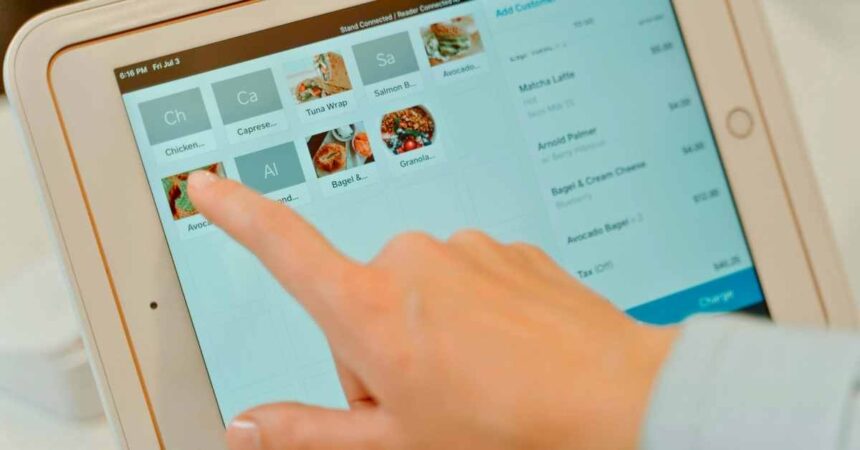
In today’s digital world, touchscreens are popular because they are easy to use. However, touchscreen monitors can be pricey. Did you know you can turn any monitor into a touchscreen for under $50?
With some simple gadgets, software and a DIY approach, you can enjoy touchscreen features without spending a lot.
This guide shows you how to use affordable kits and easy steps to convert your regular monitor into a touchscreen. Skip the expensive upgrades and try this simple, practical solution instead.
How Touchscreen Technology Works?
Touchscreen technology is a fascinating innovation that has changed the way we interact with digital devices. At its core, a touchscreen allows users to interface with a device using a touch gesture—either from a finger or a stylus—eliminating the need for a mouse or physical buttons.
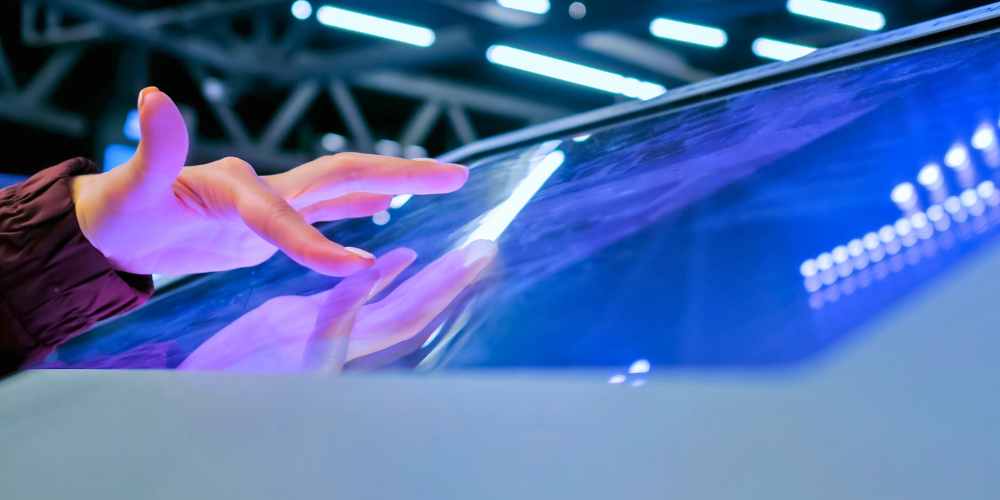
It functions by detecting the location and movement of touch inputs on the screen’s surface. This is achieved through various technologies that translate touch position into commands that the device can understand and act upon.
Types of Touchscreen Technologies
There are several types of touchscreen technologies in use today, each with unique characteristics suited to different applications:
1. Resistive Touchscreen: This type consists of two thin, flexible layers that are separated by a small gap. When the screen is touched, the layers come into contact, altering the screen’s electrical resistance at that point, and allowing the position-based input to be processed. Resistive touchscreens are affordable and operate well with gloves or styluses. However, they offer lower clarity and multitouch capability compared to other types.
2. Capacitive Touchscreen: This technology uses a layer of capacitive material to hold an electrical charge, and the human body naturally disrupts this charge when the screen is touched. Capacitive screens support multitouch and offer excellent clarity and durability, which is why they’re common in smartphones and tablets. However, they don’t work well with gloves unless they have capacitive touch technology.
3. Infrared (IR) Touchscreen: Employing an array of IR light beams across the screen, this type detects touch points by sensing breaks in the light patterns when touched. IR touchscreens are highly accurate and durable, can detect any pointing device, and do not require touch pressure. They are often used in industrial environments.
4. Surface Acoustic Wave (SAW) Touchscreen: Utilizing ultrasonic waves on the screen’s surface, SAW screens detect touch by measuring the disruption of these waves. They offer high visibility and responsiveness. However, they are more vulnerable to dust and wet surfaces, affecting performance in some environments.
5. Optical Imaging: This increasingly popular technology uses image sensors around the screen to detect touch. It allows for highly responsive inputs and is suitable for larger screens. Optical imaging is cost-effective and supports multitouch gestures.
5 Budget-Friendly Touchscreen Conversion Products Under $50
Transforming a regular monitor into a touchscreen doesn’t have to be costly. With a variety of budget-friendly options available, you can achieve this for under $50.
Here are five products that can help you convert your monitor into a touchscreen:
1. AirBar Touchscreen Converter
Price: Approximately $49.99
The AirBar is a cutting-edge product that easily adds touch functionality to any 15.6″ monitor using infrared technology. To use, simply attach the AirBar to the bottom bezel of your monitor via magnets and connect it to your computer via USB. With its support for 10-point touch, it offers an upgrade suitable for artists or educators seeking quick touch capability without needing permanent hardware modifications. Note that it is compatible with Windows 10/11 but does not support Mac or Linux systems.
2. EGalax USB Touchscreen Kit
Price: Approximately $42.95
Designed for monitors up to 22 inches, the EGalax USB Touchscreen Kit is an easy-to-install infrared touch kit that offers excellent performance. The kit includes a slim aluminum frame that mounts around your monitor and a USB controller.
Additionally, It’s plug-and-play for Windows systems and supports intuitive multi-touch gestures, making it perfect for DIY enthusiasts or professionals converting monitors for kiosk or interactive display use. Its durability and performance in low-light environments provide additional benefits.
3. FunTasica Touchscreen Overlay
Price: Approximately $35.99
This resistive touchscreen overlay is a budget-friendly option for basic touch inputs, such as signing digital documents. Suitable for monitors measuring between 15 and 17 inches, the FunTasica Touchscreen Overlay attaches directly to the monitor’s surface with adhesive strips.
It comes with a USB controller and supports both Windows and Linux. While not as responsive as other tools like IR kits, it stands out for its simplicity and cost-effectiveness.
4. UC-Logic Touch Kit
Price: Approximately $49.50
The UC-Logic Touch Kit is designed specifically for 19″ monitors and features infrared technology. Known for offering high accuracy with a 1mm error margin, this kit is suitable for upgrading older monitors into touch-enabled POS systems in business environments.
It supports Windows 7 through 11 and includes an adjustable frame that accommodates various bezel thicknesses, along with an anti-glare film to enhance visual performance.
5. DIY Webcam Touch Mod (Free Software)
Price: Free (software download)
For the truly budget-conscious, the DIY Webcam Touch Mod provides a unique method of creating a makeshift touchscreen experience with existing resources. Using the open-source Touché software, this solution employs a standard webcam and AI to interpret hand gestures as touch inputs, effectively simulating a touchscreen interface.
While the accuracy rate is about 80% and highly dependent on good lighting and screen elements contrast, it’s a free solution that works cross-platform—ideal for experimental projects or temporary setups.
As technology continues to evolve, enhancing your existing equipment with cost-effective solutions has never been easier. Whether for art, business, or personal projects, these touchscreen conversion products offer affordable and accessible ways to bring a touch of modern convenience to your workspace.
FAQs
1. What do I need to convert my monitor into a touchscreen?
To convert your monitor into a touchscreen, you’ll require a touchscreen kit specifically designed for this purpose. These kits typically consist of a transparent touchscreen film and a controller that connects to your monitor.
The installation process is straightforward and does not generally require any technical expertise. Most kits are designed to adhere to your monitor’s surface without leaving any residue, ensuring easy removal if needed.
2. Can any monitor be converted into a touchscreen?
Yes, virtually any monitor can be converted into a touchscreen as long as the screen size matches that of the touchscreen film included in your kit. However, it’s essential to verify whether the kit you choose supports your specific monitor model and size.
Some older monitors might not be compatible due to outdated input connections. Always ensure that both your monitor and touchscreen kit are compatible before proceeding with the installation.
3. How does a touchscreen conversion kit work?
A touchscreen conversion kit transforms a standard monitor into a touchscreen by applying a thin, transparent, conductive film onto the display. This film detects touch by sensing the electrical changes created when a finger or stylus makes contact.
The controller included in the kit then translates these signals into commands recognized by your computer. This setup allows you to interact with your PC similarly to how you would with a regular touchscreen device, such as a tablet or smartphone.
4. Is installing a touchscreen conversion kit difficult?
Installing a touchscreen conversion kit is typically simple and can be completed in under an hour. Most kits come with a set of straightforward instructions.
Generally, you will need to clean your monitor’s surface, carefully apply the touchscreen film, and connect the controller to your computer. Manufacturers usually design these kits for ease of use, making them accessible even for those with minimal technical skills.
5. Are there any limitations to using a converted touchscreen monitor?
While converting a monitor into a touchscreen opens up numerous interactive possibilities, there are a few limitations to consider. The touchscreen film can slightly affect the display’s brightness and clarity, although this varies depending on the film’s quality.
Additionally, touch response might not match the native responsiveness of monitors designed originally as touchscreens. Nonetheless, for most basic applications such as browsing, using applications, or drawing, a converted touchscreen performs adequately.
Conclusion
Transforming your monitor into a touchscreen doesn’t have to be a costly endeavor. With touchscreen conversion kits available for under $50, you can upgrade your display technology without breaking the bank.
These kits are user-friendly and come with straightforward instructions, making them accessible to anyone eager to enhance their home or office workspace. By following the steps outlined above, you can enjoy the benefits of touchscreen technology, making tasks like browsing, designing, and gaming more interactive and efficient.








