


Setting goals is the easy part. Most teams do it at the start of every quarter with genuine intention — a planning session, a shared doc, a slide at the all-hands.
The hard part is what happens next. Keeping track of progress, staying accountable, and actually finishing the quarter closer to the target than you started.
That’s where most teams fall down. Not because the goals were wrong, but because there was no system to keep them alive once the planning session ended. The doc gets forgotten. The spreadsheet goes stale. And by week six, the goals that felt so clear in January are somewhere in a folder nobody’s opened since February.
Goal tracking software fixes that. Not by making goal-setting more complicated — by making it impossible to lose sight of what the team committed to.
Whether you’re running a small startup, managing a remote team, or leading a department inside a growing company, the right tool keeps everyone pointed at the same targets without a manager having to chase them.
Here are the best goal tracking apps and software for teams in 2026 — from lightweight free tools to fully-featured platforms for scaling businesses.
1. OKRs Tool — Best for Growing Teams Who Want Something That Actually Gets Used
OKRs Tool is built around one idea: goal tracking only works if the team actually does it every week. Most tools make that harder than it needs to be — too many features, too much setup, too many clicks between opening the app and updating a goal.
OKRs Tool keeps it simple. Set your objectives, define the key results that will tell you whether you’ve achieved them, assign an owner to each one, and check in weekly. The tool sends nudges to remind the team to update progress — so the check-in happens because the system prompts it, not because a manager has to chase it.
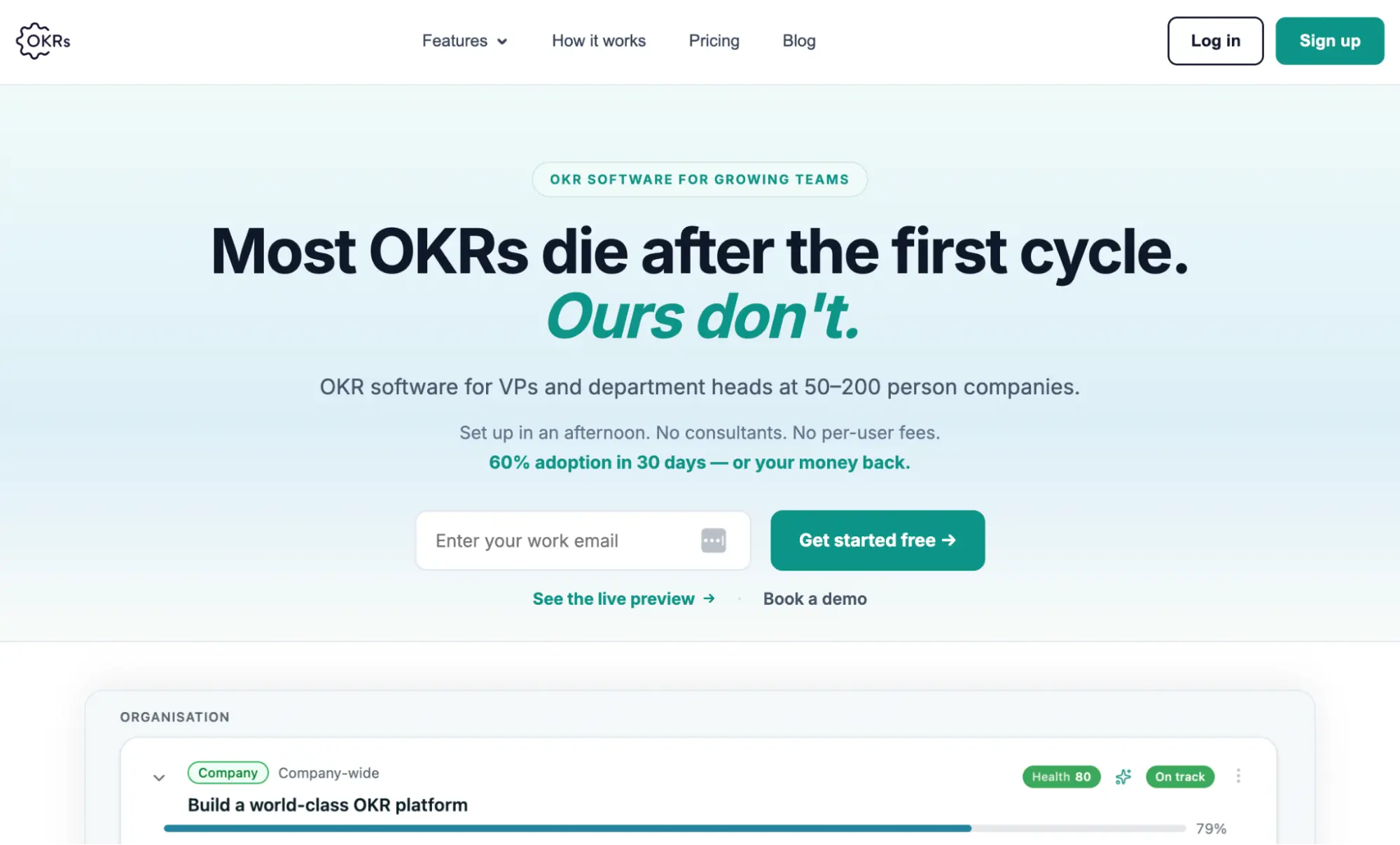
It’s free for up to five users, which makes it genuinely accessible for small teams. Beyond that, it’s a flat $49 per month for up to 50 users — not per user, which means the cost stays predictable as the team grows.
Best for: Teams of 5 to 80 people who want a lightweight goal tracking system that doesn’t require a consultant to set up or a training session to use.
Pricing: Free up to 5 users. $49/month for 6–50 users. $129/month for 51+.
2. Asana — Best for Teams That Want Goals and Tasks in One Place
Asana is best known as a project management tool, but its Goals feature has matured into a solid option for teams that want to connect their day-to-day tasks directly to bigger objectives. Set a company or team goal, link the projects and tasks that contribute to it, and track progress automatically as work gets completed.
The advantage is obvious: if your team is already using Asana for task management, adding Goals doesn’t require anyone to change their workflow. The connection between daily work and quarterly targets is built into the same tool.
The downside is that goal tracking in Asana is secondary to project management — it’s a feature, not a focus. Teams that want a dedicated goal tracking experience will find it feels like an add-on rather than a system.
Best for: Teams already using Asana for project management who want to connect task-level work to higher-level goals without switching tools.
Pricing: Free plan available. Paid plans from $10.99/user/month.
3. Monday.com — Best for Visual Goal Tracking
Monday.com is one of the most flexible work management platforms available — and its goal tracking capabilities reflect that flexibility. Build a goal tracking board that works exactly the way your team thinks, with visual progress indicators, status updates, and dashboards that give everyone a real-time view of where things stand.
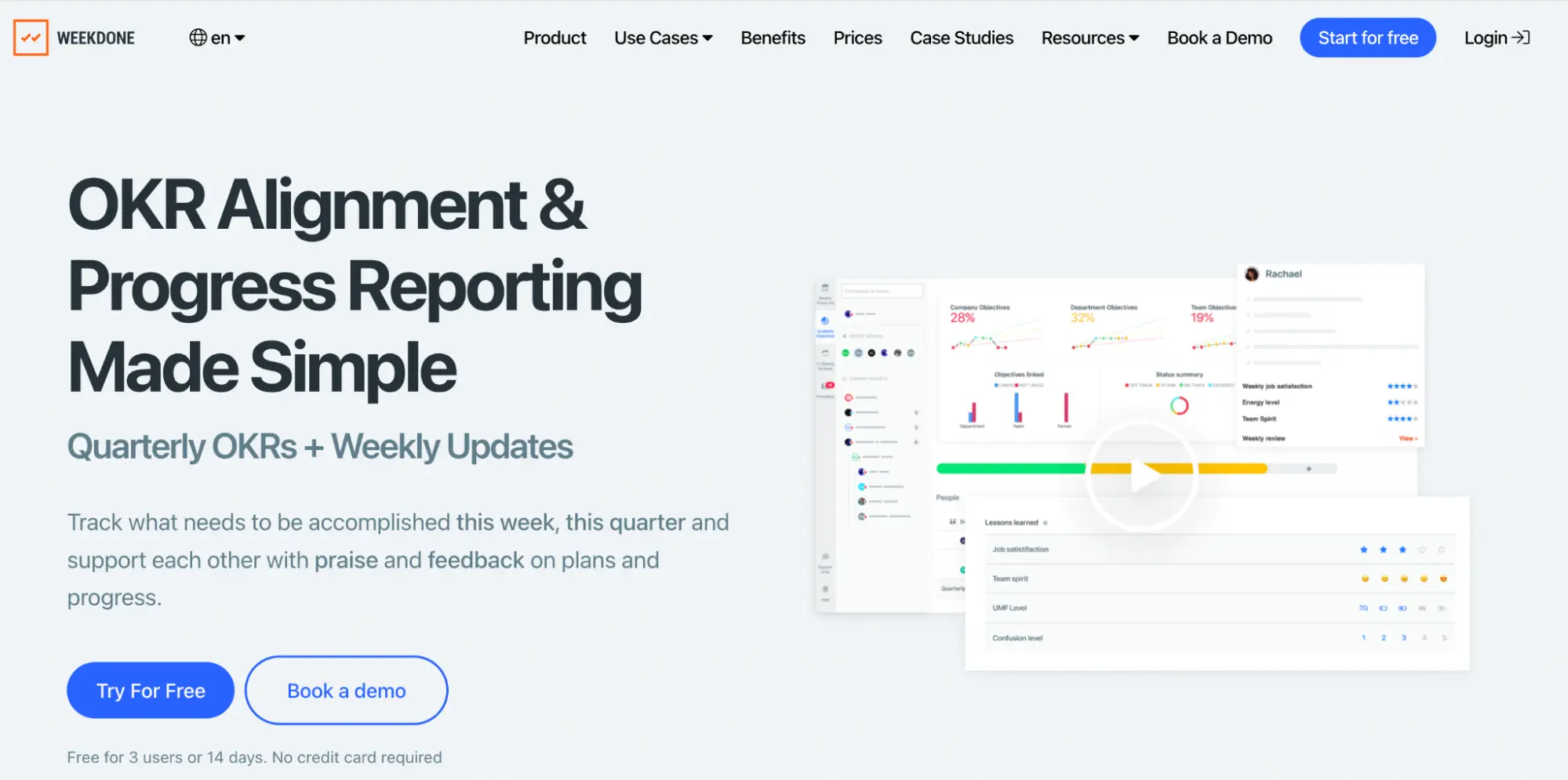
The visual approach works particularly well for teams that are more comfortable with boards and timelines than with traditional OKR frameworks. It’s less structured than a dedicated goal tracking tool — which is either a feature or a limitation depending on what the team needs.
Best for: Teams that want to customise their goal tracking setup and already use Monday.com for project work.
Pricing: Free plan available for up to 2 users. Paid plans from $9/user/month.
4. Notion — Best for Teams That Want Goals Inside Their Workspace
Notion has become the default knowledge base for thousands of startups and small teams — and for many of them, it’s also where their goals live.
A well-built Notion goal tracker can be surprisingly effective: objectives documented alongside the context that shaped them, key results linked to the projects delivering them, and progress updates added as part of the team’s normal workflow.
The limitation is that Notion is a document tool, not a goal tracking system. There are no nudges, no automatic progress updates, and no dashboard that surfaces problems before a manager spots them manually.
For a team of five that is already disciplined about updating their Notion workspace, it works. For a team of 30 with a busy quarter, it doesn’t.
Best for: Very small teams that want a simple, flexible goal tracker inside a tool they’re already using for everything else.
Pricing: Free plan available. Paid plans from $10/user/month.
5. Weekdone — Best for Weekly Check-In Rhythm
Weekdone is built around the weekly progress update — and it does that one thing better than most tools on this list. Every Monday, team members receive a prompt to share what they accomplished last week, what they’re working on this week, and what’s blocking them.
That data rolls up into a team dashboard that gives managers a consistent, up-to-date picture of where things stand.
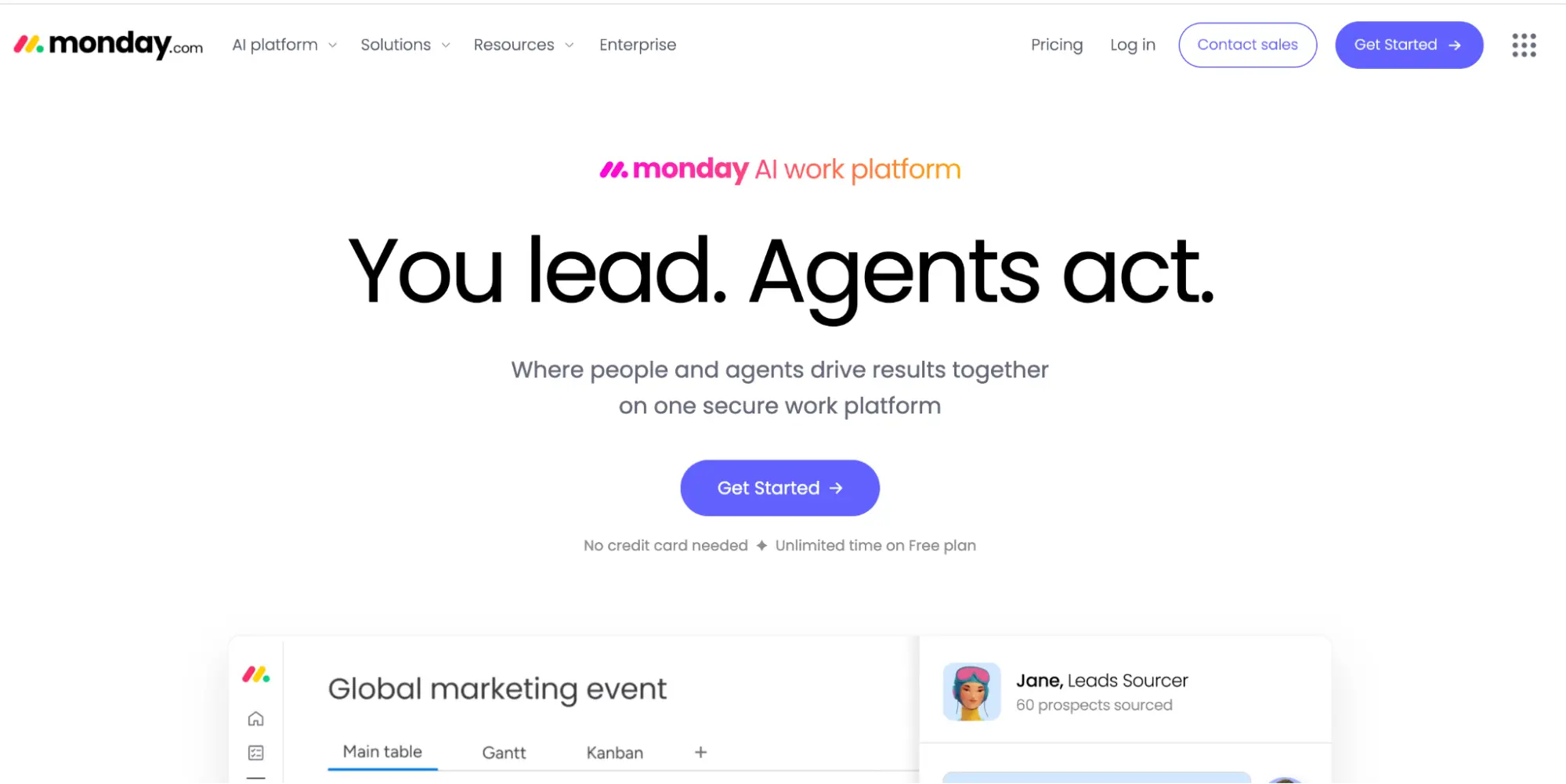
For teams whose primary goal tracking problem is cadence — the check-in that keeps getting skipped — Weekdone solves it cleanly. The weekly rhythm is built into the product rather than left to willpower.
Best for: Teams that struggle with consistency and need a tool that makes the weekly update a habit rather than an afterthought.
Pricing: Free for up to 3 users. Paid plans from $90/month for 3 users.
6. Trello — Best for Simple Visual Goal Tracking on a Budget
Trello is the simplest tool on this list — and for very small teams with straightforward goals, that simplicity is exactly what’s needed. Build a board for your quarterly goals, add cards for each objective, and move them through stages as progress is made. It’s not sophisticated. It’s fast, free, and requires zero onboarding.
The limitations become obvious quickly for anything more than basic goal tracking. No progress percentages, no automatic updates, no cross-team visibility. But as a free starting point for a team that has never tracked goals systematically before, Trello is a perfectly reasonable first step.
Best for: Very small teams or individuals who want the simplest possible goal tracking setup and don’t need anything more structured.
Pricing: Free plan available. Paid plans from $5/user/month.
7. ClickUp — Best for Teams That Want Everything in One Platform
ClickUp positions itself as the one app to replace them all — and its goal tracking feature is one of the most comprehensive on this list. Set goals with specific targets, link tasks and projects that contribute to them, and track progress automatically.
The reporting layer is particularly strong, with dashboards that pull together goal progress, task completion, and team workload in a single view.
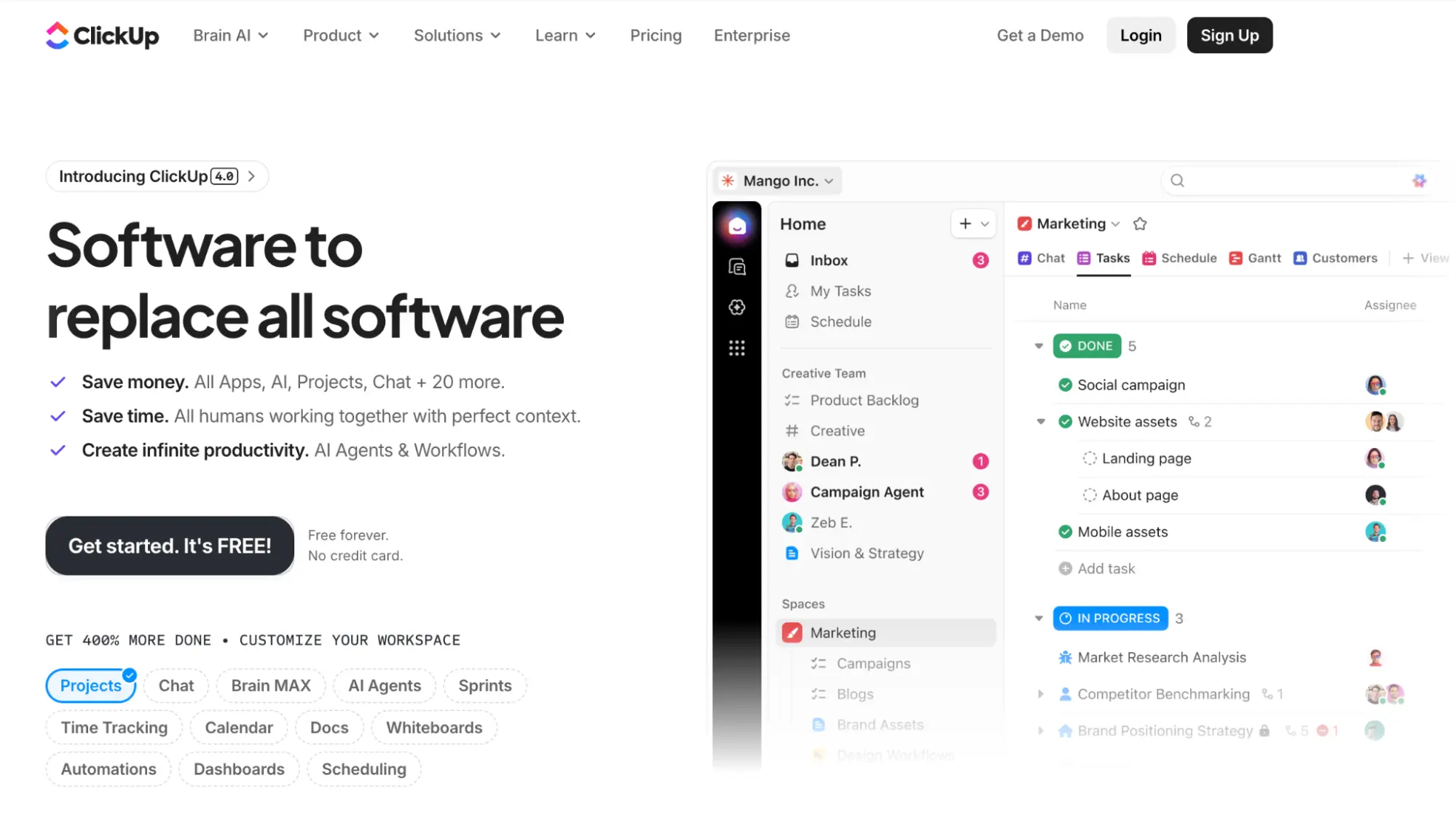
The trade-off is complexity. ClickUp has so many features that new users often spend more time configuring the tool than using it. For a team that wants a dedicated goal tracking system without the overhead of a full work management platform, it’s more than is needed.
Best for: Teams already using ClickUp for project management who want to add goal tracking without introducing a new tool.
Pricing: Free plan available. Paid plans from $7/user/month.
8. Google Sheets — Best Free Option for Teams That Aren’t Ready for Dedicated Software
No list of goal tracking tools is complete without acknowledging the tool most teams start with. A well-structured Google Sheet can track goals effectively — objectives in one column, key results in another, progress updated weekly, shared with the whole team.
The limitations are real: no nudges, no automatic updates, version confusion as the quarter progresses, and low adoption the moment the team gets busy. But for a team that has never tracked goals formally before and wants to test the habit before investing in software, a Google Sheet is a perfectly valid starting point.
Best for: Teams testing goal tracking for the first time who want zero cost and zero setup before committing to a dedicated tool.
Pricing: Free.
How to Choose the Right Goal Tracking Tool
The best goal tracking tool is the one your team will actually use every week. That sounds obvious — but it’s the criterion most teams ignore when they evaluate software, focusing instead on features, integrations, and pricing.
A tool with every feature imaginable that the team opens twice a quarter is worth less than a simple tool with a weekly nudge that keeps everyone on track. Start with what your team will actually engage with, not what looks most impressive in a product demo.
Whatever tool you choose, the goal is the same: a system that keeps the team’s targets visible, progress honest, and the weekly check-in happening consistently enough that the quarter ends where you planned it to — not where the drift took you.







