
WRITE FOR US
ItsEasyTech
  • Social Media
    • FacebookFacebook
    • SnapchatSnapchat
    Social Media
    We ItsEasyTech will cover social media guides, tips, and how-tos here. Our content is 100% original and based on in-depth research covering Facebook to TikTok…
    Show More
    Top News
    How TO Read Instagram Messages Without Opening DMs
    4 Genius Tricks To Read Instagram Messages Without Opening DMs
    February 1, 2022
    how to buy and recharge tiktok coins
    How To Buy and Recharge TikTok Coins
    January 6, 2026
    Snapchat Snap Score Freeze
    Why Does Snapchat Snap Score Freeze?
    May 2, 2022
    Latest News
    How to See Deleted Messages in Discord (3 Easy Methods)
    February 3, 2026
    How to Turn One YouTube Video into 10 TikToks/Shorts with AI
    January 8, 2026
    Can Someone See if You Search Their Name on Facebook? (The 2026 Myths vs. Reality)
    January 6, 2026
    How to Fix “TikTok Photo Mode Not Showing” (2026 Troubleshooting)
    January 6, 2026
  • How To
    How ToShow More
    Why Small Businesses in Kent Are Rethinking How They Handle IT
    Why Small Businesses in Kent Are Rethinking How They Handle IT
    March 17, 2026
    Jive Connector vs Traditional Search Tools
    Jive Connector vs Traditional Search Tools: Which to Choose for Seamless Integration
    March 7, 2026
    How to Improve Operational Efficiency with the Right Technologies
    How to Improve Operational Efficiency with the Right Technologies?
    February 17, 2026
    How to Get to Undermine in World of warcraft
    How to Get to Undermine in WoW: The War Within Guide
    February 11, 2026
    Unmatched Ego Cheat Codes
    Unmatched Ego Cheat Codes
    February 3, 2026
  • Reviews
    ReviewsShow More
    The Best Adobe Photoshop Alternatives
    The Best Adobe Photoshop Alternatives That Don’t Slow Your PC
    July 30, 2025
    Protect Your Privacy: The Case for Anonymous Hosting 
    December 11, 2024
    Plaud Note Review Is This the Best Voice Recorder
    Plaud Note Review: Is This the Best Voice Recorder?
    July 15, 2024
    Forerunner 165 review
    Forerunner 165 Review: Garmin’S Budget OLED Running Watch
    March 4, 2024
    best ufo movies to watch
    The UFO Movies to Put on Your Must-Watch List Today
    October 30, 2023
  • Tech Updates
    Tech UpdatesShow More
    Energy infrastructure
    Energy Management as a Core Layer of Industrial Operational Intelligence
    March 17, 2026
    How User Experience and Site Architecture Dictate Paid Media Success
    How User Experience and Site Architecture Dictate Paid Media Success
    February 27, 2026
    Car finance
    Technology and Everyday Life: How Smart Tools Shape Our Daily Decisions
    March 4, 2026
    Error 429 Roblox How to Fix
    How To Fix “Error 429” on Roblox: Easy Steps
    February 3, 2026
    Minecraft you need to authenticate to microsoft services
    Minecraft “you need to authenticate to microsoft services” Fix
    February 3, 2026
  • Business
    • Cryptocurrency
    Business
    Get the latest news and insights from the world of digital currencies, and stay informed about the financial markets with our easy-to-use tools.
    Show More
    Top News
    Oil Trade Tech
    What Makes Oil Trading The Future Of Money Making?
    January 16, 2023
    What Businesses Should Look For In Worker’s Compensation Carriers
    July 15, 2023
    Cross-Chain Swaps
    Decentralized Cross-Chain Swaps: The Future of Multi-Blockchain Trading
    July 28, 2025
    Latest News
    How Custom Software Helps Restoration Companies Grow Faster
    March 25, 2026
    Essential Financial Technologies for Scaling Your Tech Business Internationally
    March 11, 2026
    How to Use ChatGPT to Write SOPs (Plus Free Templates)
    January 8, 2026
    5 Free AI Tools to Remove Watermarks from Images in 2026
    January 7, 2026
ItsEasyTechItsEasyTech
Font ResizerAa
Search
Follow US
© Foxiz News Network. Ruby Design Company. All Rights Reserved.
ItsEasyTech > Tech Updates > How to Track a Cell Phone Location for Free on Android
Tech Updates

How to Track a Cell Phone Location for Free on Android

Red Eliot
Last updated: August 10, 2022 5:02 pm
Red Eliot
Share
7 Min Read
Track Cell Phones
SHARE

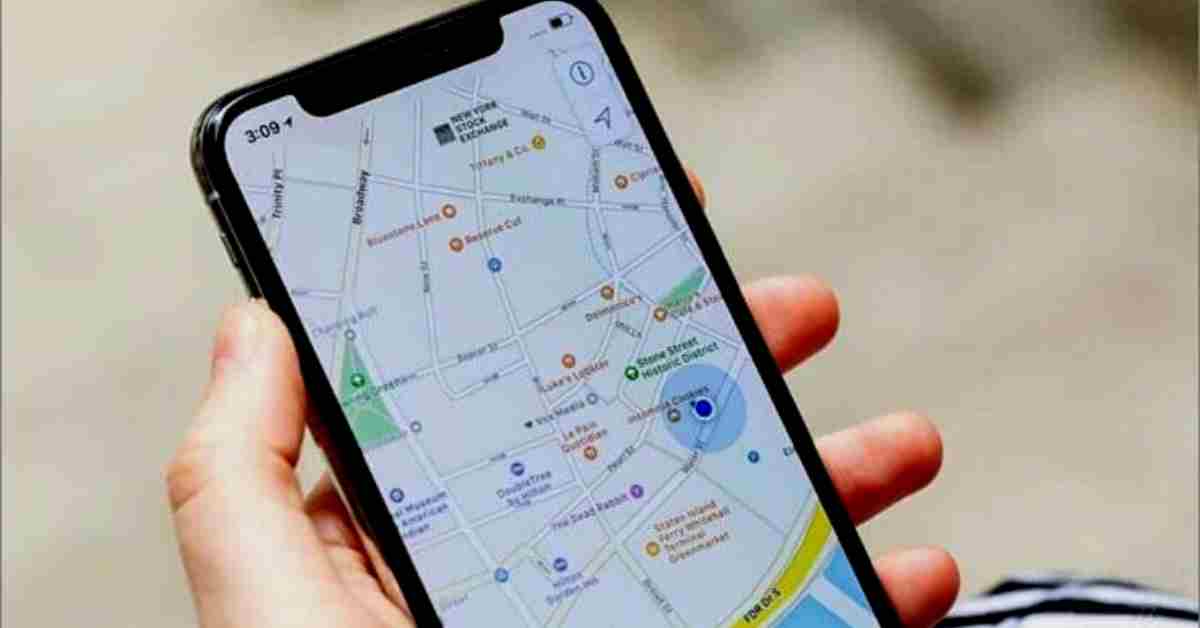
Do you need to track the location of a cell phone? Whether you’re trying to keep tabs on your children, find out what your spouse is up to, or just want to know where your cell phone is at all times, whatever the reason there are a few ways you can do it.

In this blog post, we will discuss 5 different methods for tracking a cell phone for free on Android.

Contents
  • 5 Best Methods To Track Cell Phone Location For Free On Android
    • Method 1: Google Maps
    • Method 2: Find My Device
    • Method 3: Hoverwatch Cell Phone Tracker
    • Method 4: Use Cell Tower Triangulation
    • Method 5: Use Wi-Fi hotspots
  • How To Detect GPS Trackers on a Cell Phone?
  • Conclusion
  • Further Reading

So without further ado, let’s get started.

5 Best Methods To Track Cell Phone Location For Free On Android

There are various ways to track a cell phone location. Some of these methods are more accurate than others. Below are 5 of the best methods to track a cell phone location for free.

Method 1: Google Maps
Google Maps

If you have an Android phone, chances are good that you already have a cell phone tracker in the form of Google Maps.

This app is pre-installed on most Android devices, and it uses GPS to track the location of your phone (and any other devices) in real-time.

You can view your location history by opening the Google Maps app and tapping on the “Menu” icon in the top-left corner.

Then, select “Your timeline” to see a list of all the places you’ve been with your phone. You can also use this feature to track someone else’s location, as long as they’ve permitted you.

Method 2: Find My Device
Find my device

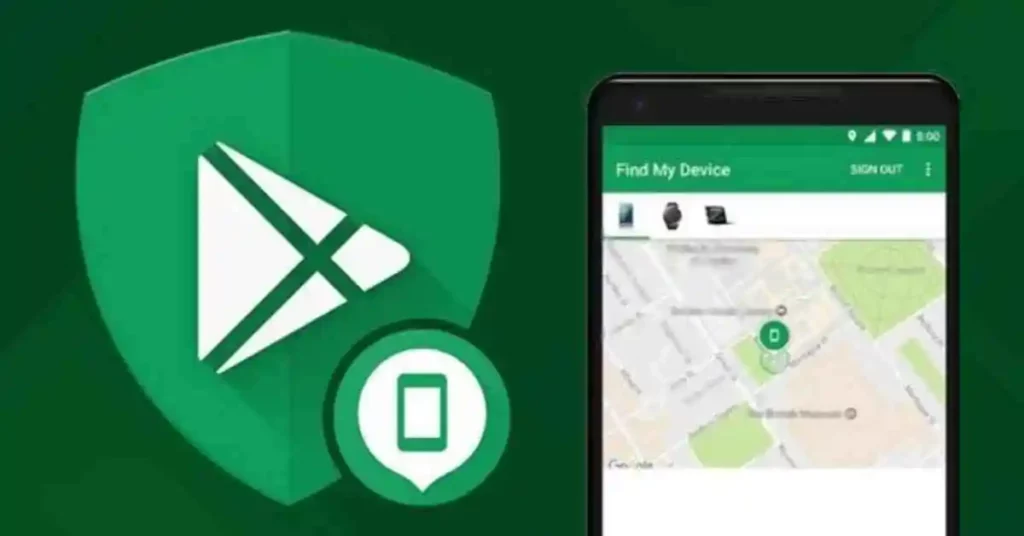
Another cell phone tracker that comes pre-installed on most Android devices is Find My Device. Google makes this app, and it does pretty much exactly what it sounds like.

You can use it to find your lost or stolen phone, as well as track the location of any other devices that are signed into your Google account.

  1. To get started, just open the app and sign in with your Google account.
  2. Then, you’ll see a list of all the devices that are linked to your account.
  3. Select the one you want to track and tap on the “Location” option.
  4. You’ll be able to see the device’s current location on a map and any past locations.

Method 3: Hoverwatch Cell Phone Tracker

Hoverwatch

There are also some cell phone tracking apps that you can download and install on your phone. These apps use GPS to track the location of your phone, as well as any other devices that are linked to your account. 

One of the best cell phone tracking apps is Hoverwatch. This app is available for Android, Windows, and Mac.

To get started, create an account on Hoverwatch.com and just download the app. Then, you can link any devices that you want to track.

Once you’ve done that, you’ll be able to see the location of all your linked devices on a map in real time.

You can also use Hoverwatch to track someone else’s cell phone location, as long as they’ve permitted you.

Hoverwatch is a great option if you need to track a cell phone for free on Android.

Method 4: Use Cell Tower Triangulation

If you don’t have access to a GPS signal, you can also use cell tower triangulation to track a cell phone’s location.

This method uses information from cell towers to approximate the location of a phone. It’s not as accurate as GPS, but it can be helpful if you’re in an area with poor GPS reception.

To get started, just open the Google Maps app and tap on the “Menu” icon in the top-left corner. Then, select “Location services.” Next, tap on “Cellular networks.”

You’ll see a list of all the cell towers in your area. The closer you are to a cell tower, the more accurate your location will be.

Method 5: Use Wi-Fi hotspots

Another way to approximate a cell phone’s location is by using Wi-Fi hotspots. This method uses information from Wi-Fi networks to approximate the location of a phone.

It’s not as accurate as GPS or cell tower triangulation, but it can be helpful if you’re in an area with poor GPS reception.

To get started, just open the Google Maps app and tap on the “Menu” icon in the top-left corner.

Then, select “Location services.” Next, tap on “Wi-Fi networks.” You’ll see a list of all the Wi-Fi networks in your area.

How To Detect GPS Trackers on a Cell Phone?

You can detect a GPS tracker on your cell phone by downloading a GPS tracking app and scanning through the list of apps that are currently installed on your phone. If you see an app that you don’t recognize or don’t remember installing, chances are it’s a GPS tracking app. You can then delete the app from your phone.

If you want to be sure that there is no GPS tracker installed on your cell phone, you can also have your phone scanned for trackers at a mobile security store or purchase a mobile security scanner yourself.

Conclusion

There are different ways to track a cell phone’s location.

There are a number of ways to track the location of a cell phone for free. The best methods are through the use of a GPS tracking app, through the use of a phone tracking website, or through the use of a phone tracking service.

If you just need to track your cell phone, then you can use Google Maps or Find My Device. If you need to track someone else’s cell phone, then you can use Hoverwatch or cell tower triangulation.

And finally, if you’re in an area with poor GPS reception, then you can use Wi-Fi hotspots to approximate a cell phone’s location.

Whichever method you choose, just remember to be safe and always get permission before tracking someone else’s cell phone.


Further Reading

How To Scale Up Internet Company: 10 Steps For Success

7 Best Ways To Increase Slow Internet Speed

Similar Posts

Litecoin Exchange Guide: How to Buy, Trade, and Sell Litecoins
Who Are VMware’s Biggest Competitors Today? Full Breakdown
Energy Management as a Core Layer of Industrial Operational Intelligence
Share This Article
Facebook Whatsapp Whatsapp Email Print
ByRed Eliot
A Tech Savvy, Red Eliot is Guest Writer and contributor at Itseasytech.com, who contributes the latest tech-related content.
Leave a Comment Leave a Comment

Leave a Reply Cancel reply

Your email address will not be published. Required fields are marked *

Read More

How Custom Software Helps Restoration Companies Grow Faster
March 25, 2026
Energy Management as a Core Layer of Industrial Operational Intelligence
March 17, 2026
Why Small Businesses in Kent Are Rethinking How They Handle IT
March 17, 2026

Find Us

Facebook Twitter Youtube Pinterest
Best OfHow To

Best AI Video Creation Tools in 2026 for Effortless Content

Best AI Video Creation Tools in 2026 for Effortless Content

Creating high-quality videos no longer requires a studio, complex software, or a large budget. In 2026, AI video creation tools allow anyone—from solo creators to enterprise teams—to produce cinematic, engaging…

Alex Marz
March 19, 2026

Your may also like!

ChatGPT Search vs. Perplexity vs. Google: The Battle for Best AI Search

Alex Marz
January 16, 2026
10 Weirdest AI Websites

10 Weirdest AI Websites On The Internet 2026

Alex Marz
January 13, 2026
Best websites for No Copyright Sound Effects

7 Best Websites for No Copyright Sound Effects (NCS)

Alex Marz
January 8, 2026

Always Stay Up to Date

Subscribe to our Newsletter for Daily Updated Tech Contents!

Find us on Social Media

Facebook Pinterest X-twitter Youtube

© 2026 | ITSEASYTECH.COM. All Rights Reserved.

ItsEasyTech

More from ItsEasyTech

  • About Us
  • Disclamier
  • Privacy & Cookie Policy
  • Terms and Condition
  • Write For Us
Welcome Back!

Sign in to your account

Username or Email Address
Password

Lost your password?




